Essential PowerPoint Diagrams

A practical collection of clean, editable diagrams for PowerPoint and Google Slides, with flexible variations for presenting processes, timelines, relationships, hierarchies, and more.

  • 67 editable slides
  • 12 diagram types
  • 16:9 PowerPoint (.pptx)
  • Fully editable in PowerPoint & Google Slides

VAT may apply depending on your location.

Preview the full collection

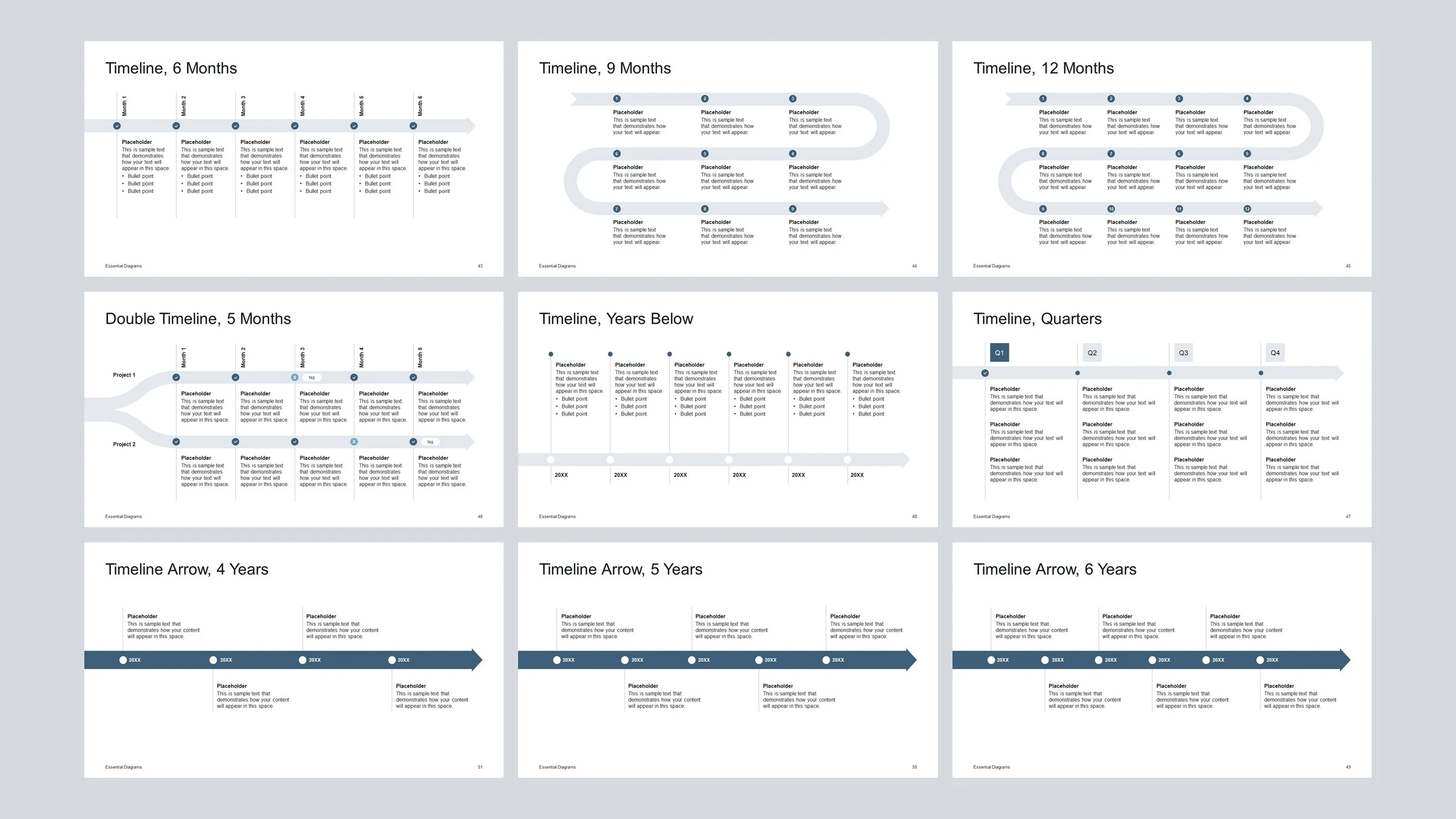
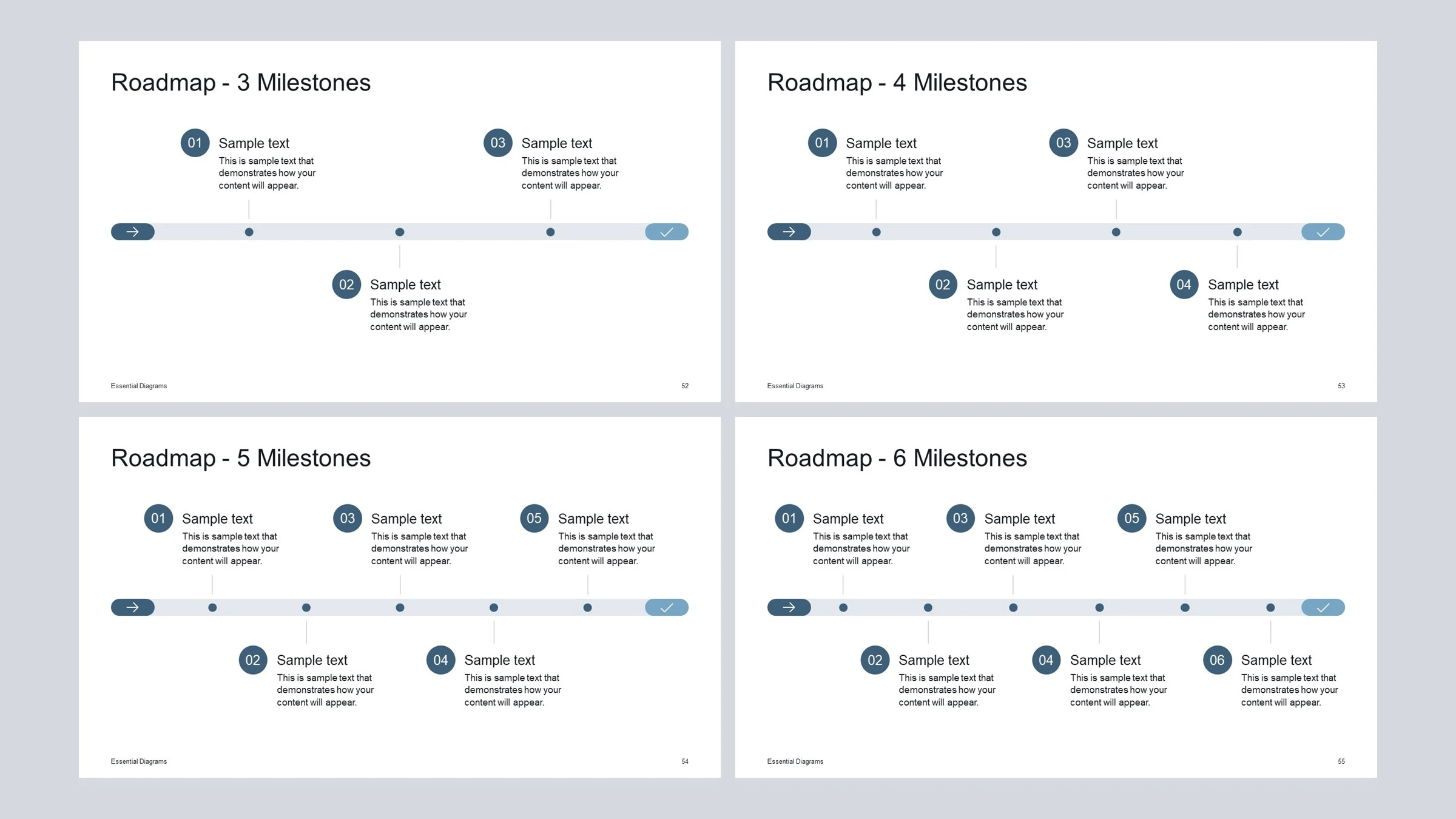
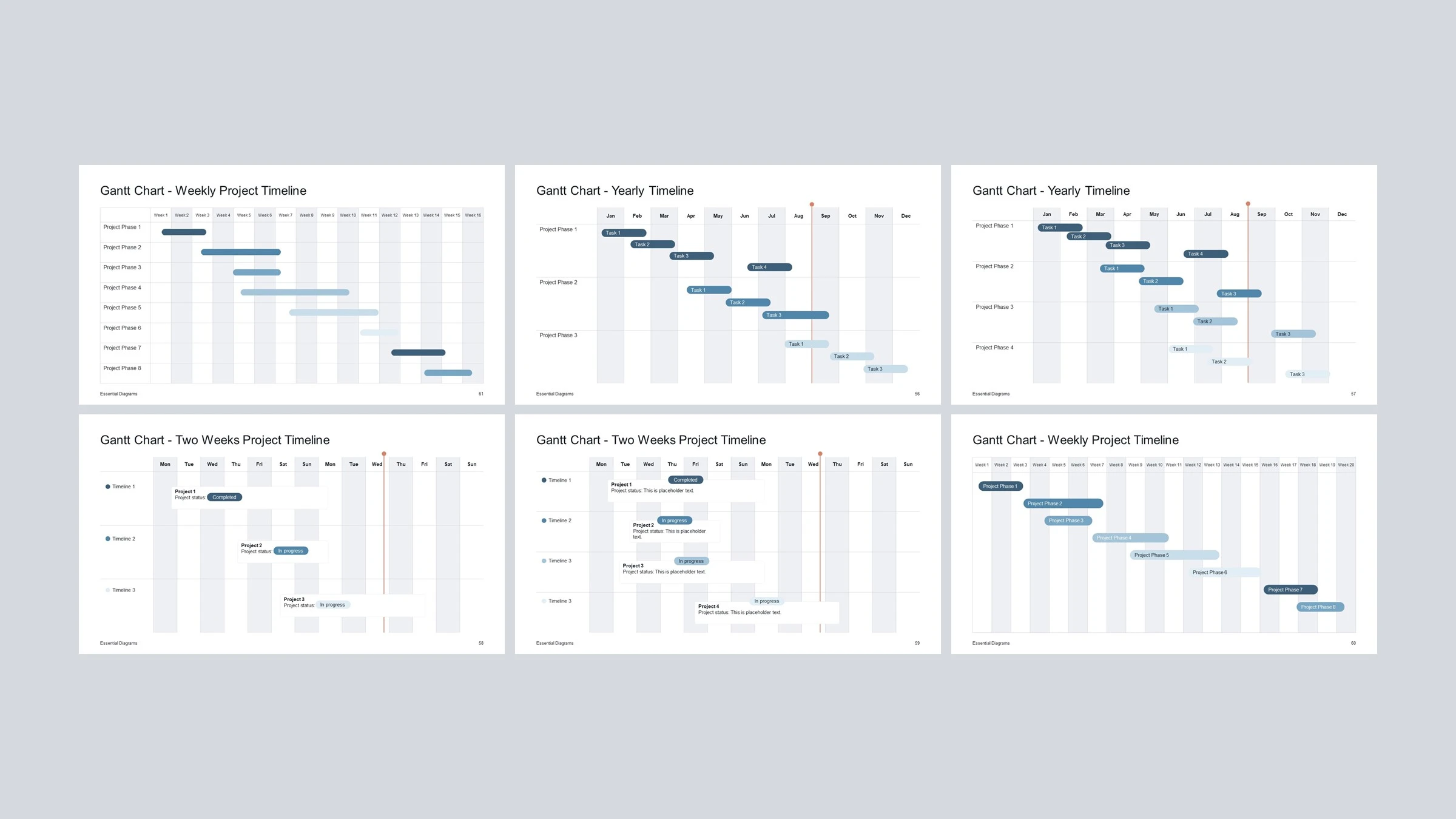
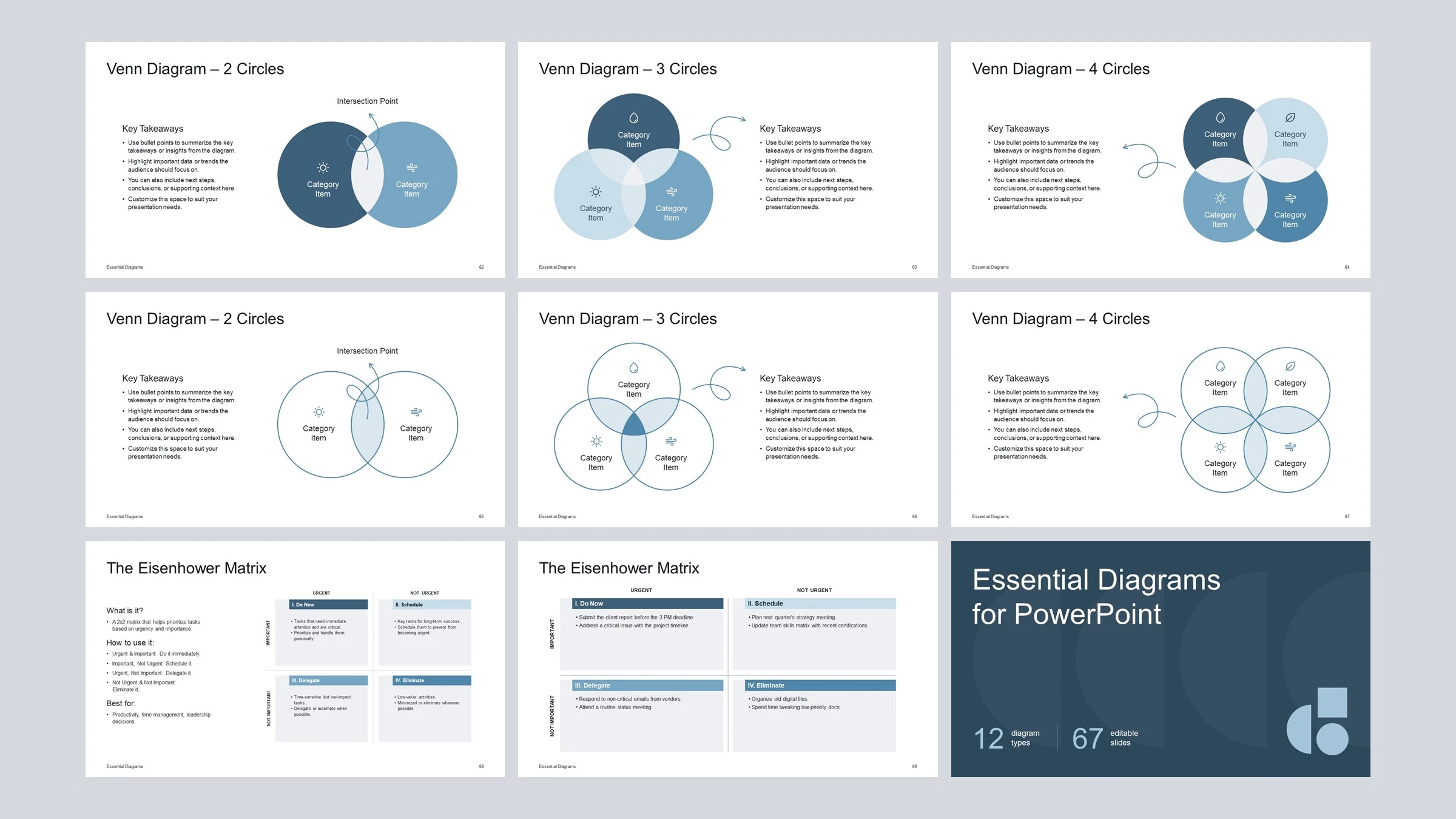
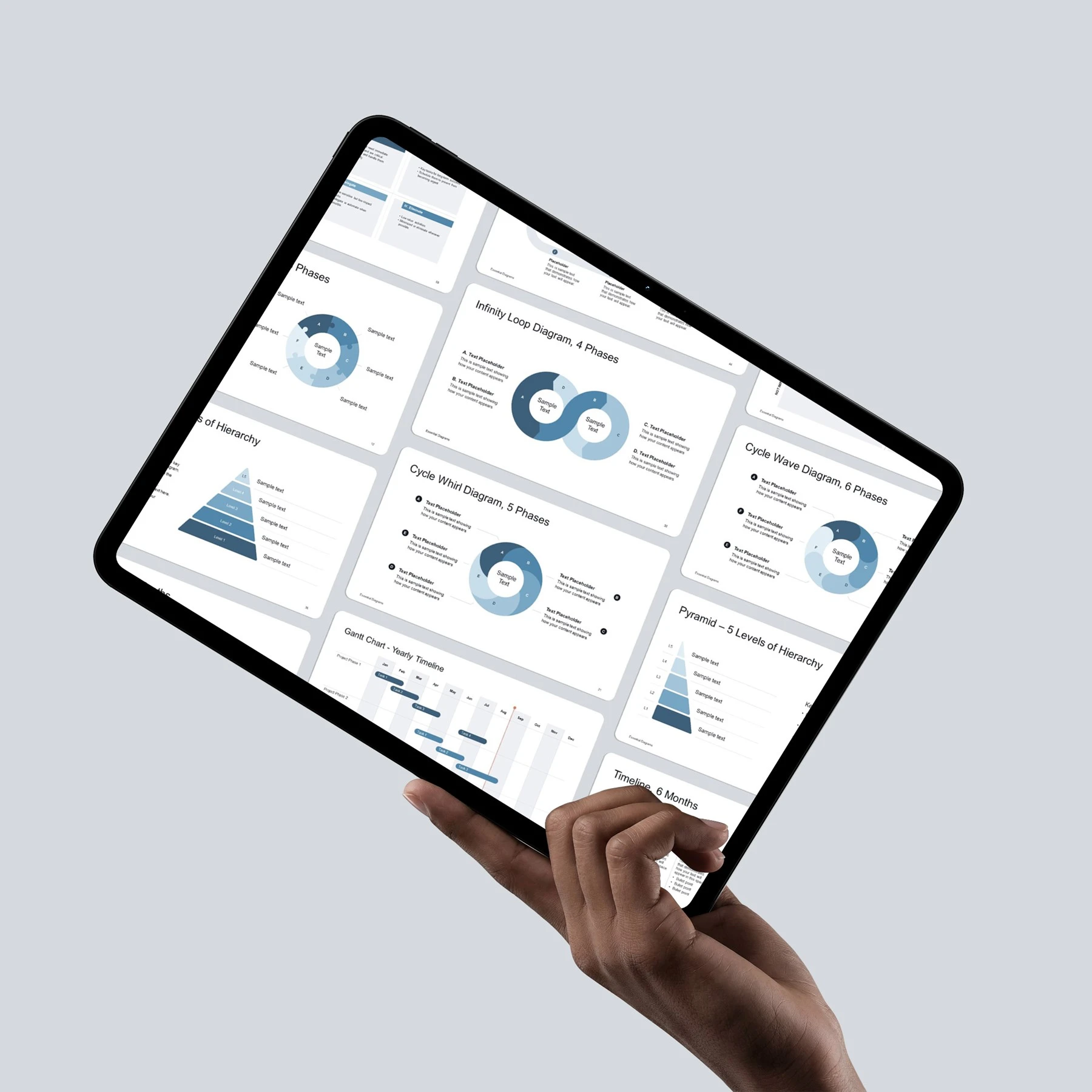
From simple cycles and pyramids to timelines, roadmaps, Venn diagrams, and matrices, the collection gives you flexible visual structures for presenting processes, relationships, hierarchies, and more.

Details

  • Slides included: 67
  • Diagram types: 12
  • Format: PowerPoint (.pptx)
  • Compatibility: PowerPoint & Google Slides
  • Aspect ratio: 16:9 (widescreen)
  • Editable: All diagram elements are fully editable
  • Fonts: Arial — included by default in PowerPoint and Google Slides
  • Color theme: 1 included
  • Free lifetime updates: Existing customers receive all future template updates.
  • Last updated: October 2026 (v1.0)

12 diagram types. Build to adapt to your presentation.

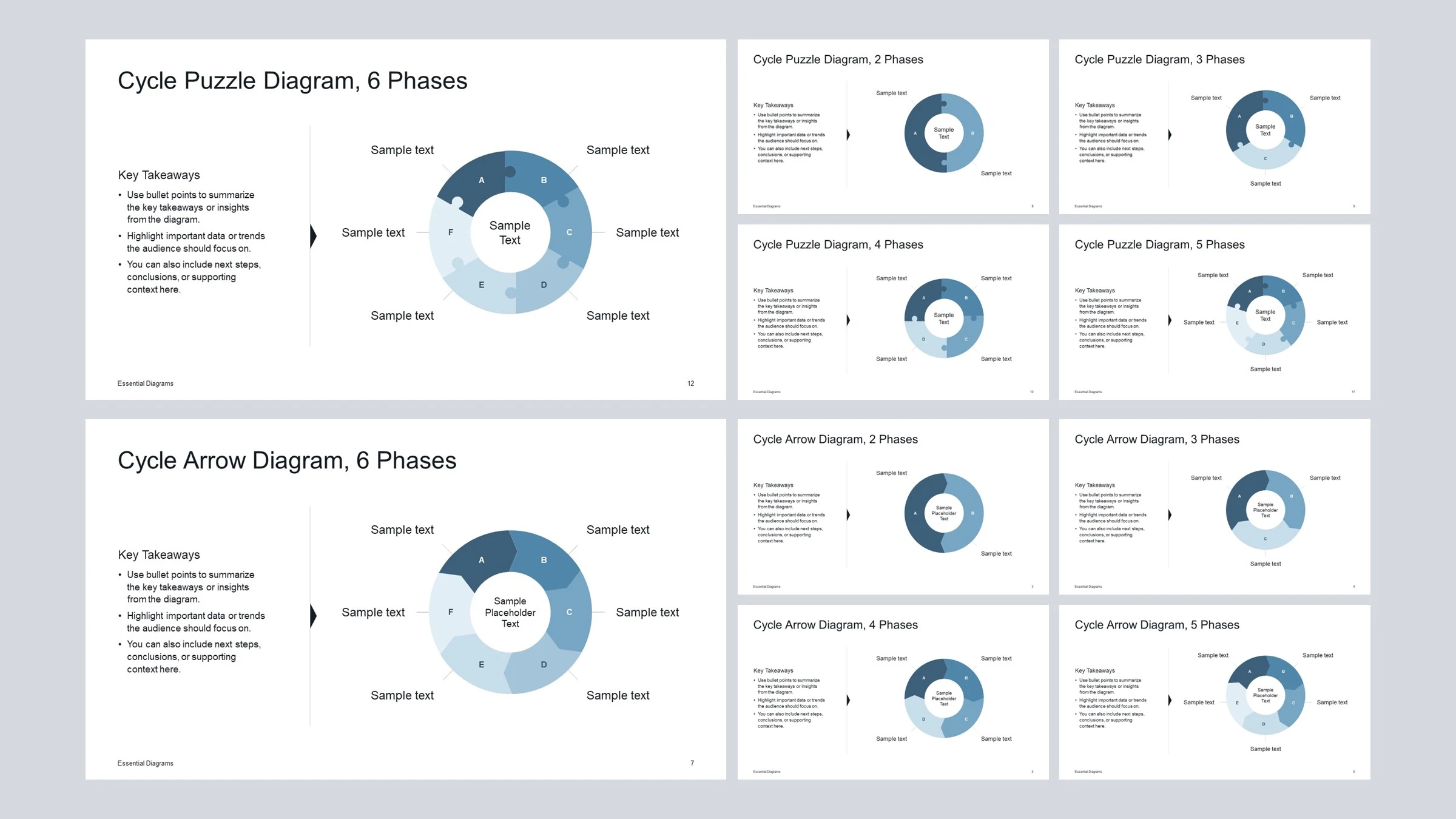
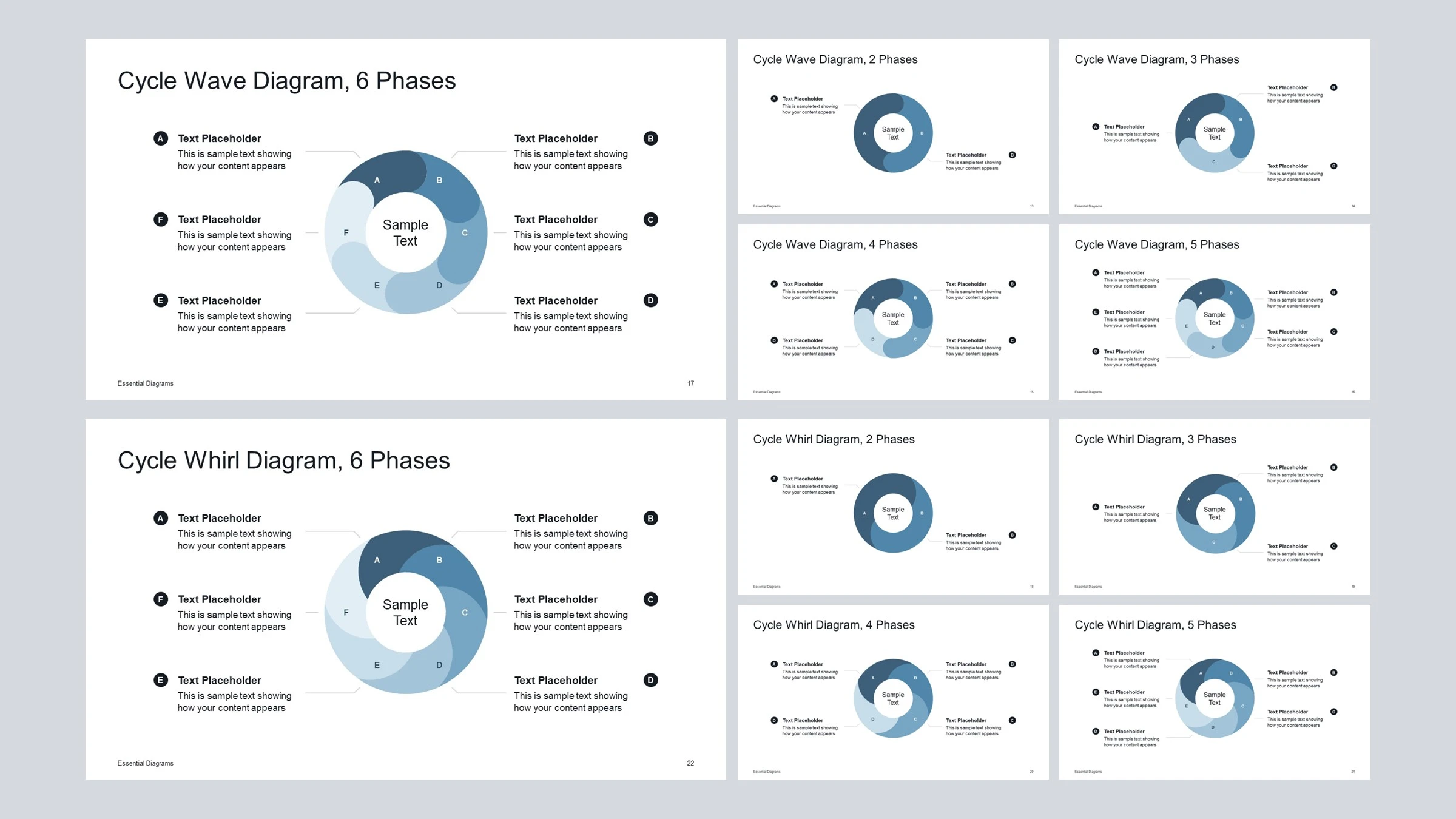
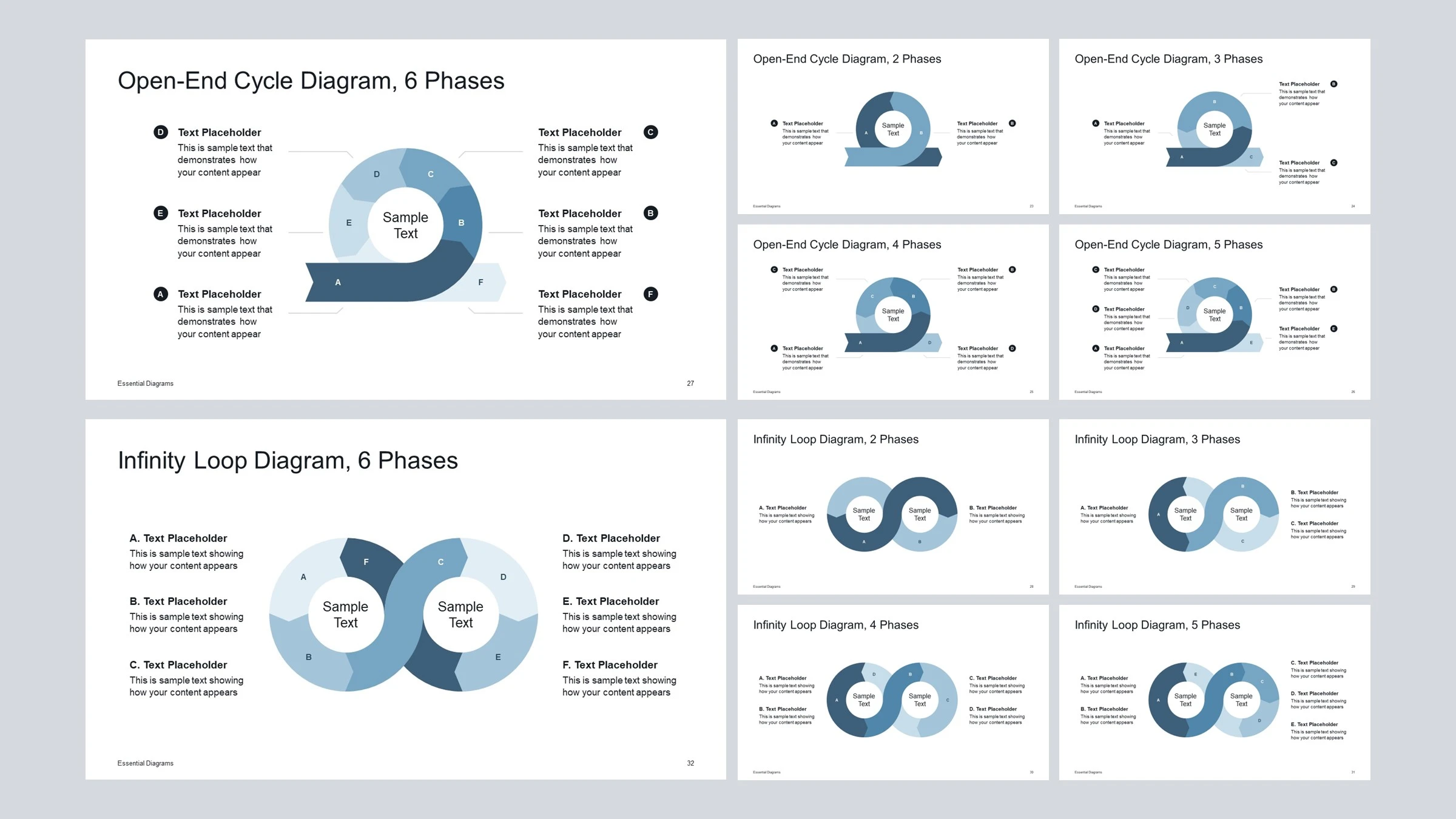
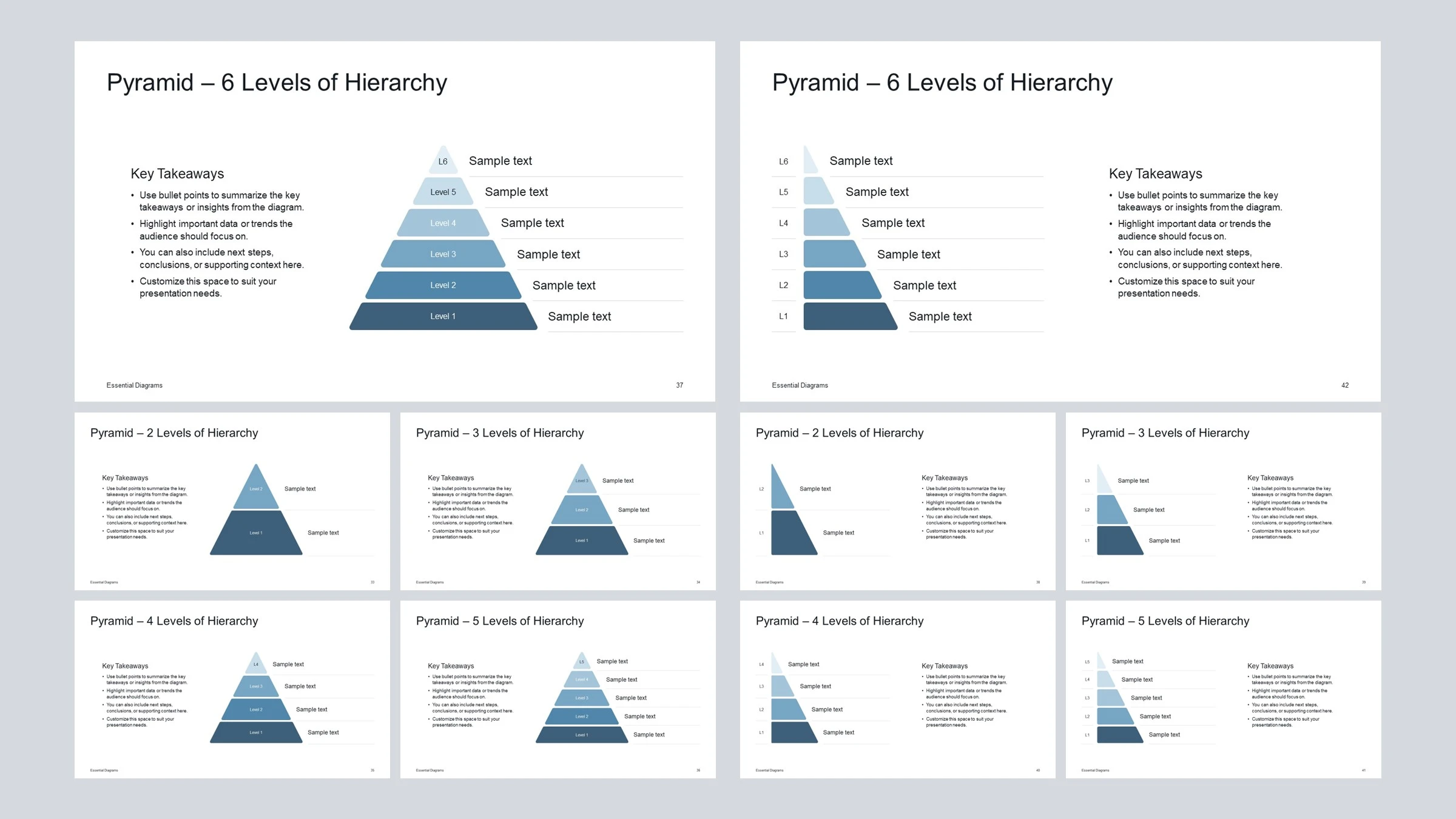
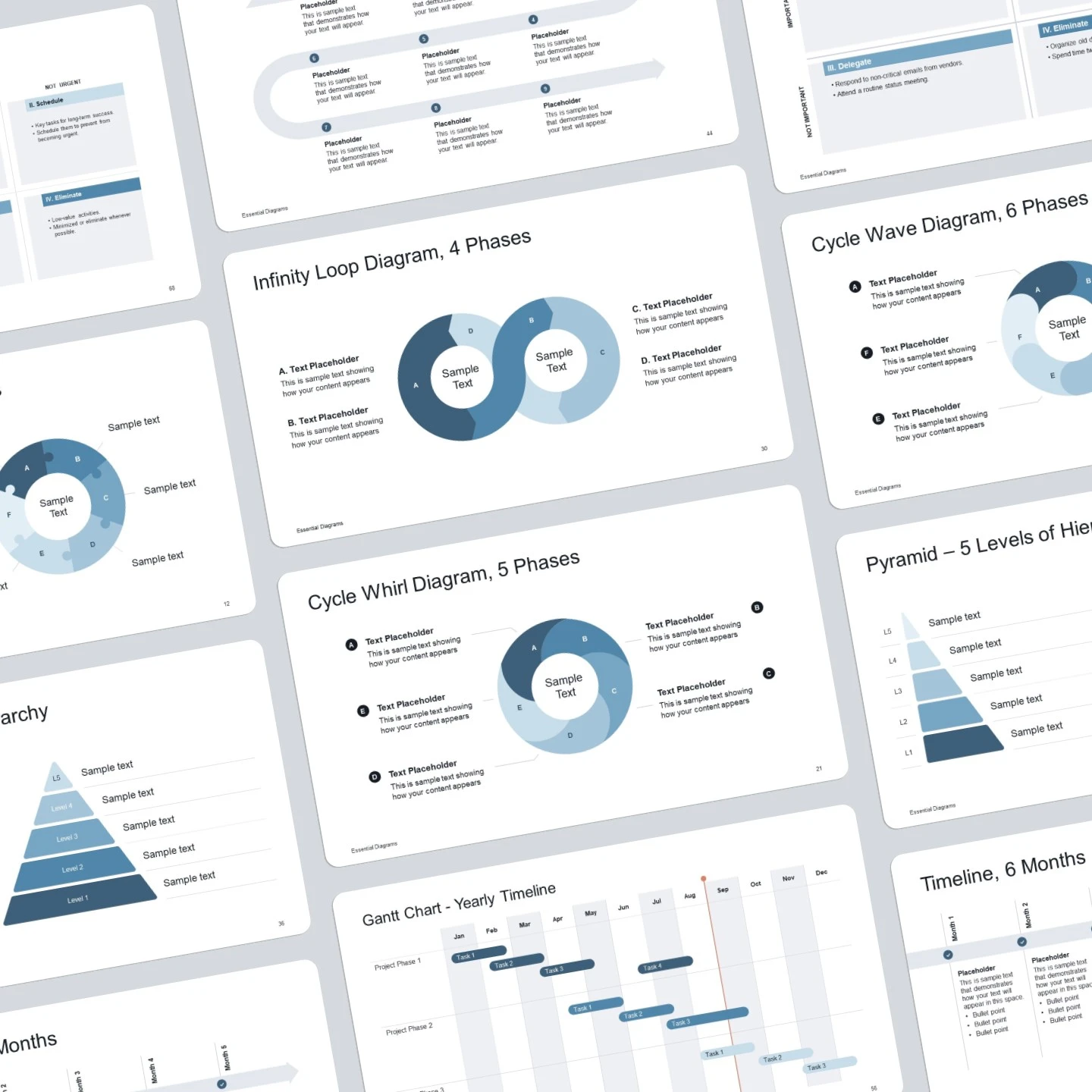
Each diagram comes in multiple variations, so you can choose the structure that fits your content — from 2 to 6 phases, different timeline lengths, hierarchy levels, milestones, and more. Change colors, resize elements, replace text, rearrange layouts, and customize each diagram to fit your content. Every element is editable directly in PowerPoint and Google Slides..
One diagram type. Multiple ways to use it.

Each diagram comes in multiple variations, so you can choose the structure that fits your content — from 2 to 6 phases, different timeline lengths, hierarchy levels, milestones, and more.

Built to adapt to your presentation

Change colors, resize elements, replace text, rearrange layouts, and customize each diagram to fit your content. Every element is editable directly in PowerPoint.

You only receive one PowerPoint file (.pptx). The same file can also be opened and edited in Google Slides.

For presentations that need more than bullet points

Use the diagrams to explain processes, show relationships, map timelines, structure hierarchies, compare priorities, visualize projects, and make complex ideas easier to follow.

Processes
Timelines
Roadmaps
Hierarchies
Relationships
Priorities & projects

Make your ideas easier to see.

Build clearer, more visual presentations with 67 editable diagrams, ready to customize in PowerPoint.

Want to try them first?

Get a free set of 10 diagrams from the collection and see how they work in your own presentations.

Have a question about the Essential Diagrams collection? Get in touch.

More from Diagrama Studio

If you like this template, you may also find these helpful.

Consulting Company Presentation Template for PowerPoint
Startup Pitch Deck Template for PowerPoint in Multiple color themes
board meeting powerpoint slides collage