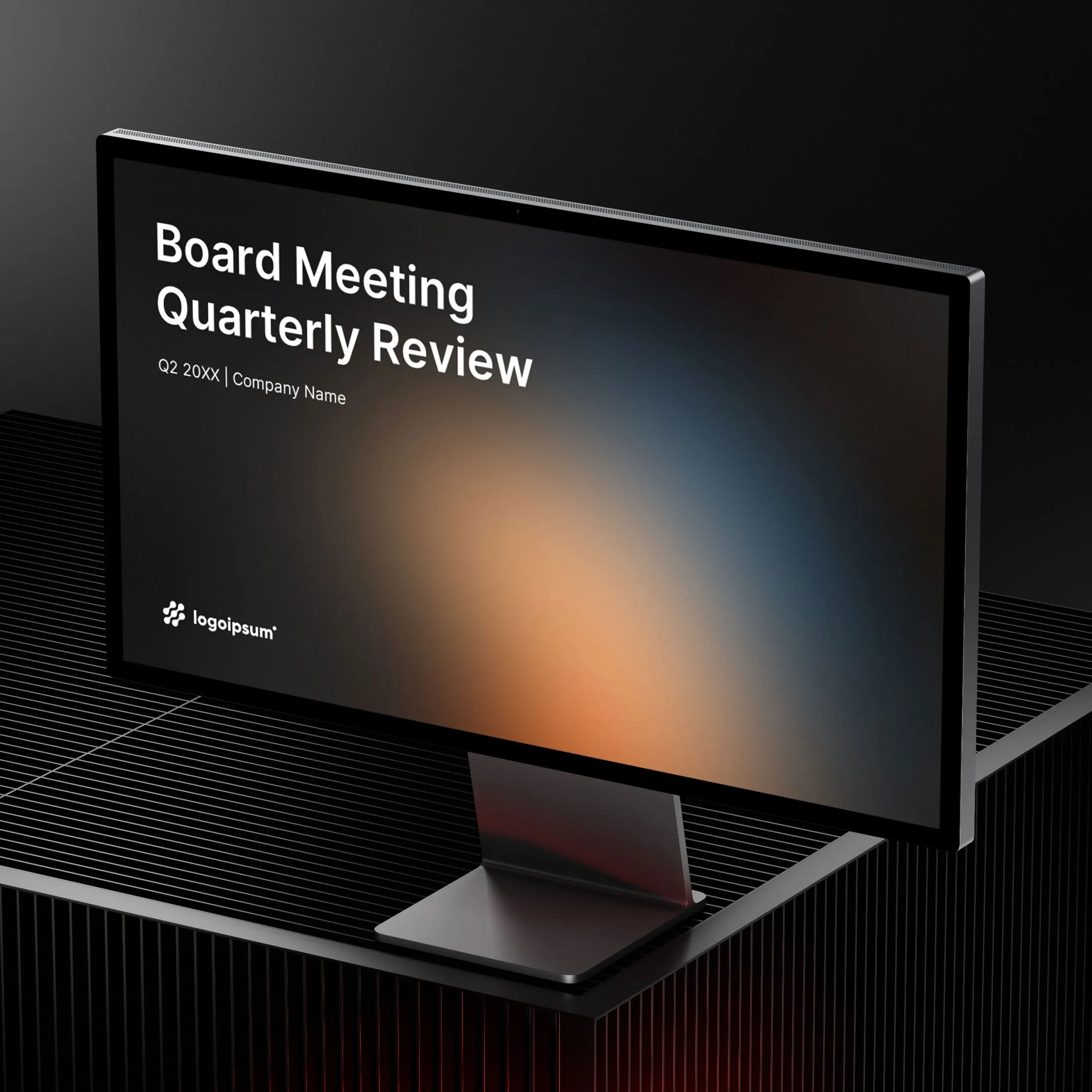
Board Meeting Quarterly Review for PowerPoint

Designed for B2B SaaS leadership and in-house teams.
A structured PowerPoint presentation system for reporting performance, metrics, and strategic priorities in quarterly board and leadership meetings.

Software:

35 slides | 1 color theme | Fully editable

VAT may apply depending on your location.

Preview the full deck

Template Details

  • Slides included: 35 slides
  • Formats included: PowerPoint (.pptx) 
  • Fonts: Inter (Regular, SemiBold, Bold) — free, installation required
  • Aspect ratio: 16:9 (widescreen)
  • Color variations: 1 included
  • Fully editable master slides
  • Drag-and-drop image placeholders
  • Free lifetime updates: Existing customers receive all future template updates.
  • Last updated: July 2026 (v1.0)

Overview

This deck is designed for recurring quarterly board meetings in B2B SaaS and technology companies that need to communicate performance with clarity and credibility.

It follows the natural flow of a real quarterly business review — from executive summary and key metrics to financial performance, product updates, and next-quarter priorities.

The system balances calm, report-style readability with modern visual structure, allowing teams to reuse the deck every quarter without redesigning from scratch.
Key Features

  • Built for recurring quarterly use, not one-off presentations
  • Clear structure for metrics, performance, and decisions
  • Report-style layouts optimized for reading, reviewing, and presenting
  • Large, legible charts suitable for boardrooms and remote meetings
  • Fully editable and easy to adapt to your brand and data

Who this template is for

This Board Meeting Quarterly Review template is ideal for teams that:

  • Run recurring quarterly board, executive, or leadership meetings
  • Present business performance, KPIs, and strategic initiatives to investors or stakeholders
  • Need a structured reporting deck for SaaS, software, or technology businesses
  • Want consistent presentations that can be reused every quarter without rebuilding slides
  • Share quarterly updates both live during meetings and as standalone PDF reports
  • Need professional layouts for financial metrics, product updates, customer growth, and future priorities

Suitable for:

  • Startups
  • SaaS companies
  • Tech companies
  • AI startups
  • Fintech startups
  • HealthTech startups
  • Founders & entrepreneurs
  • Innovation teams
  • Product teams
  • Business development teams

What’s included

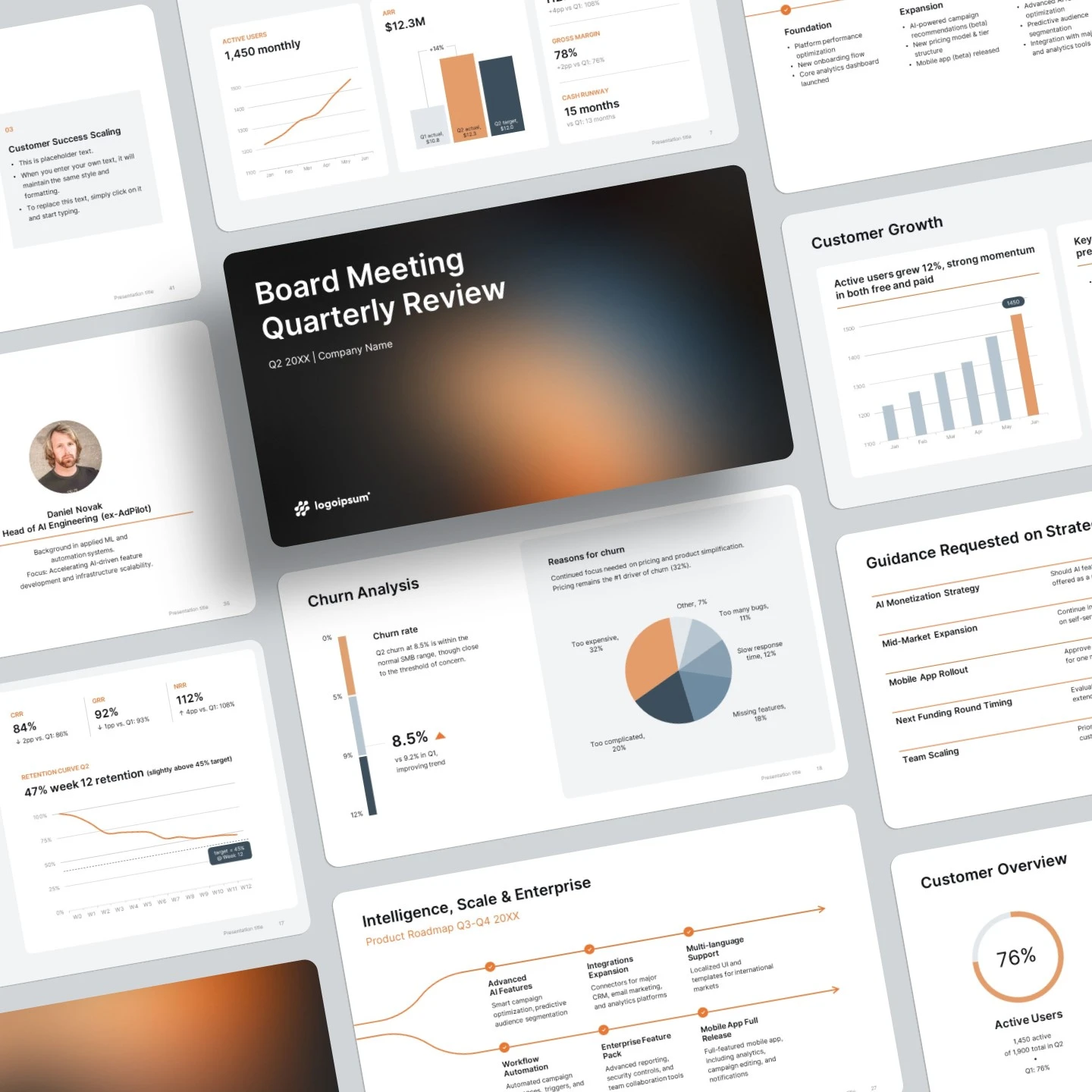
This template includes a complete set of 35 structured slides covering the most common sections of a quarterly board review.

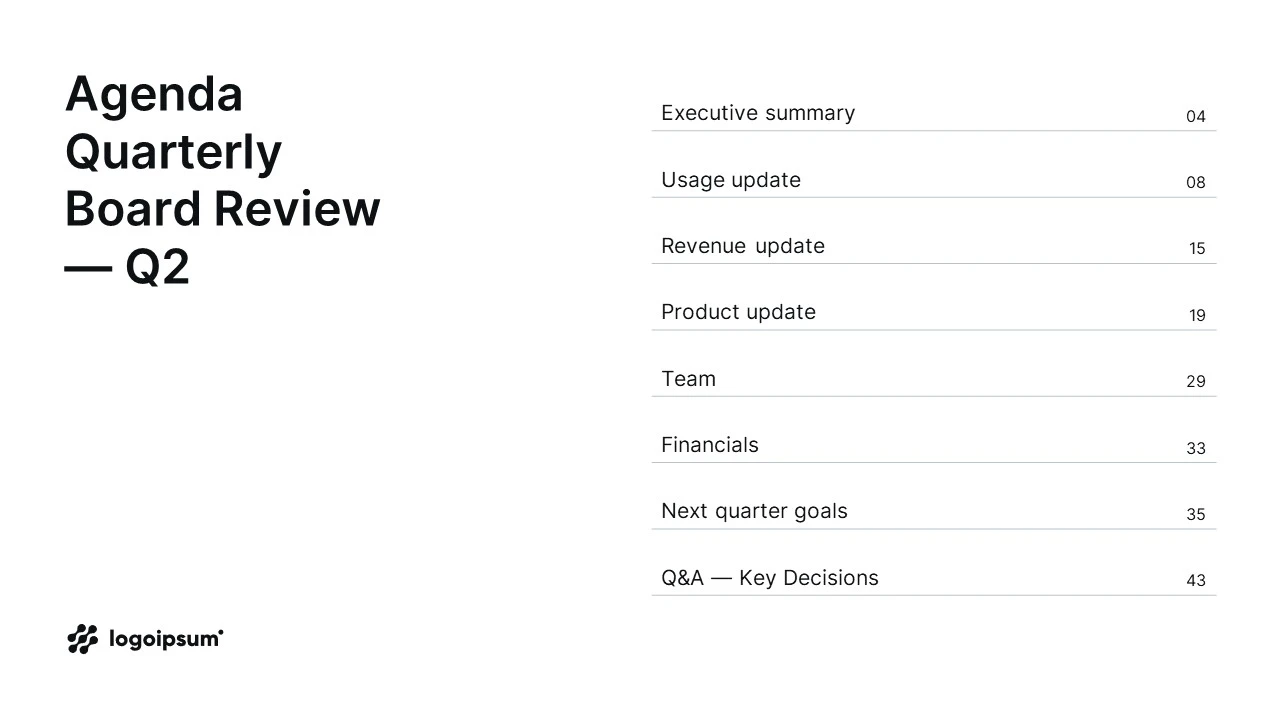
  • Cover & Agenda Slides — professional opening layouts for quarterly reviews
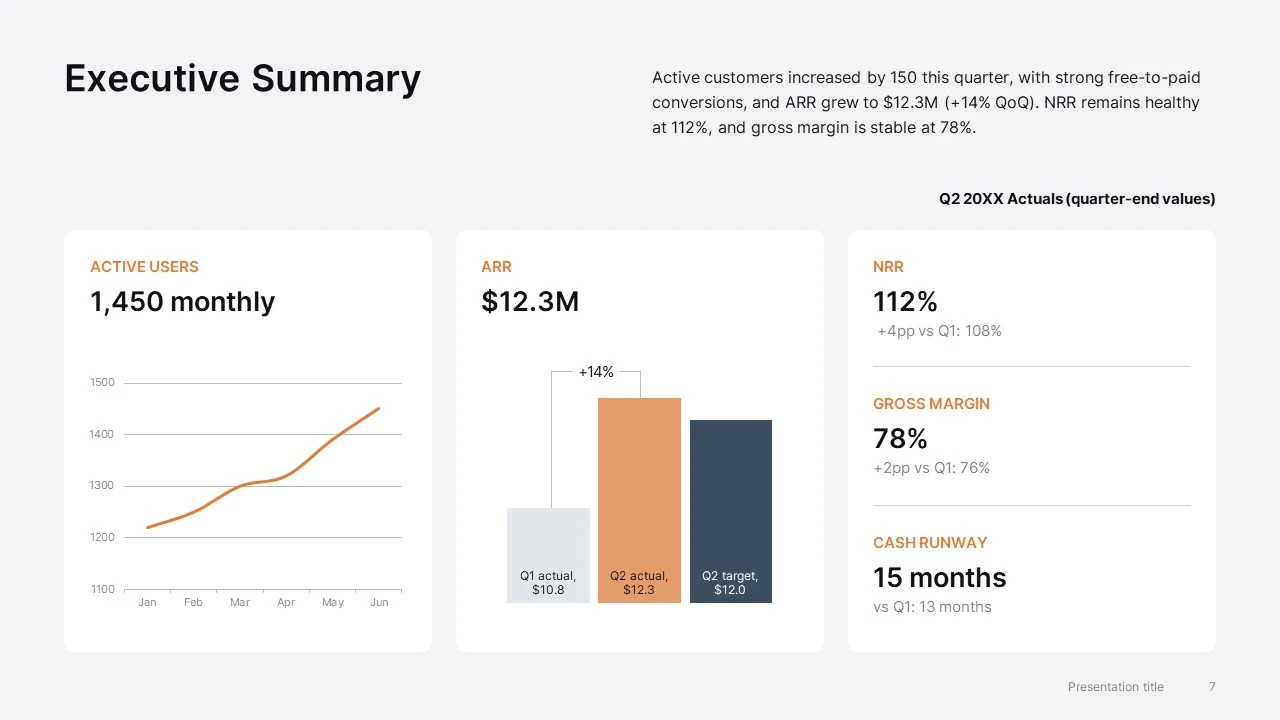
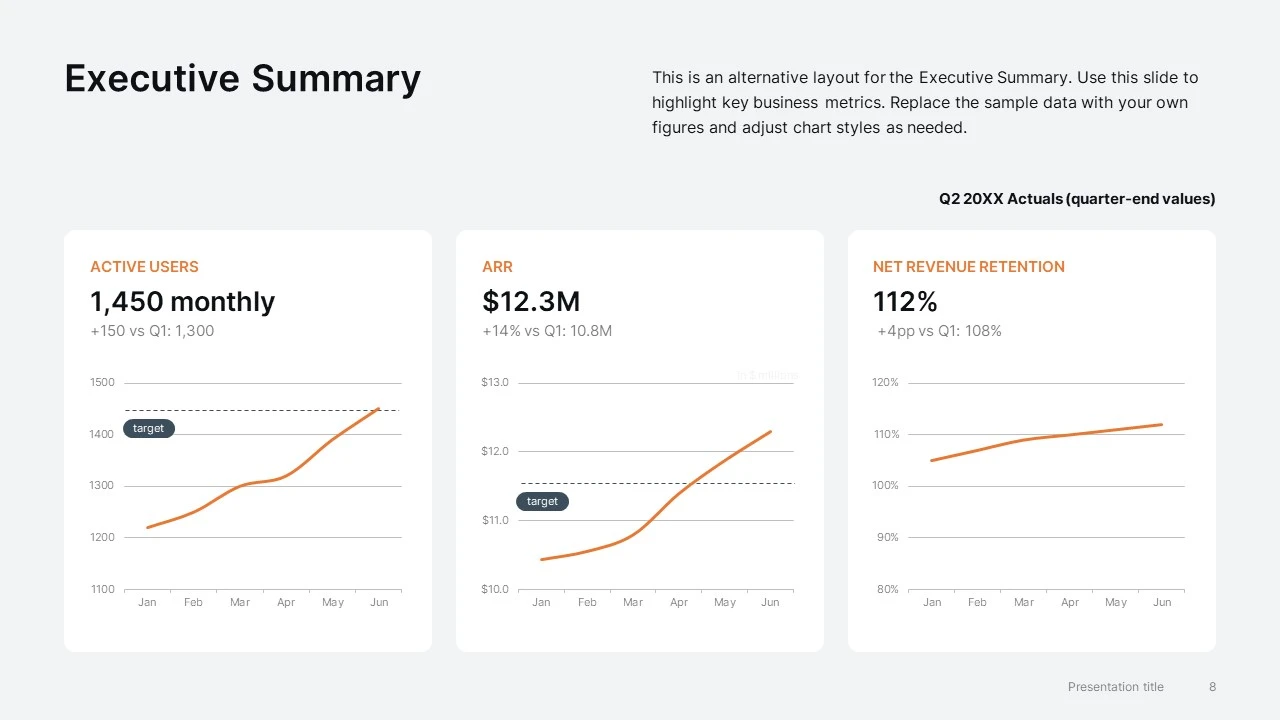
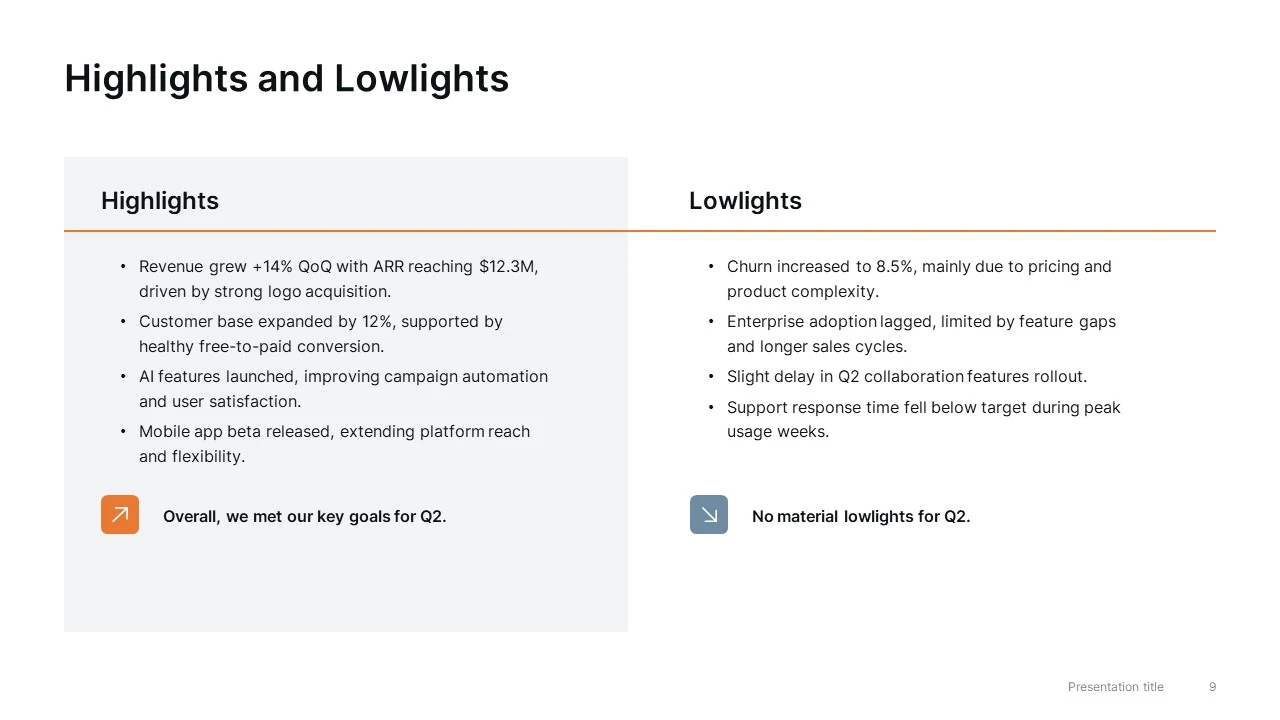
  • Executive Summary Slides — high-level business performance, KPIs, and quarterly highlights
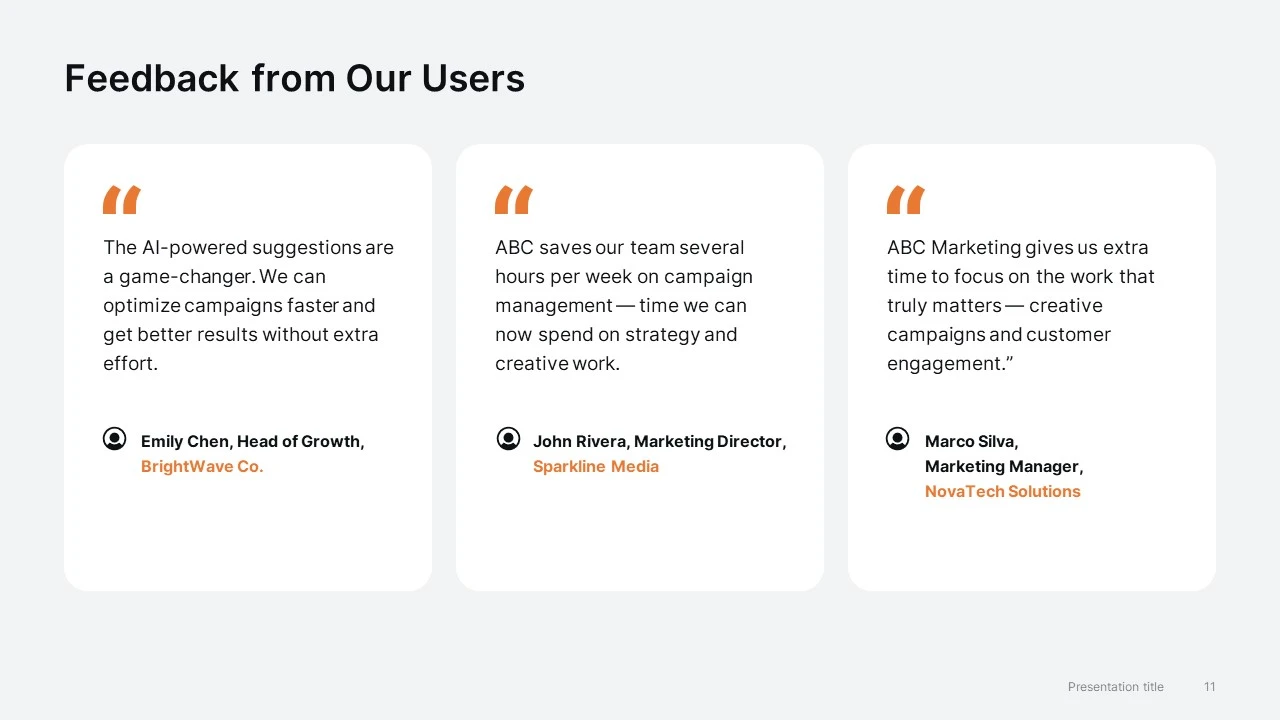
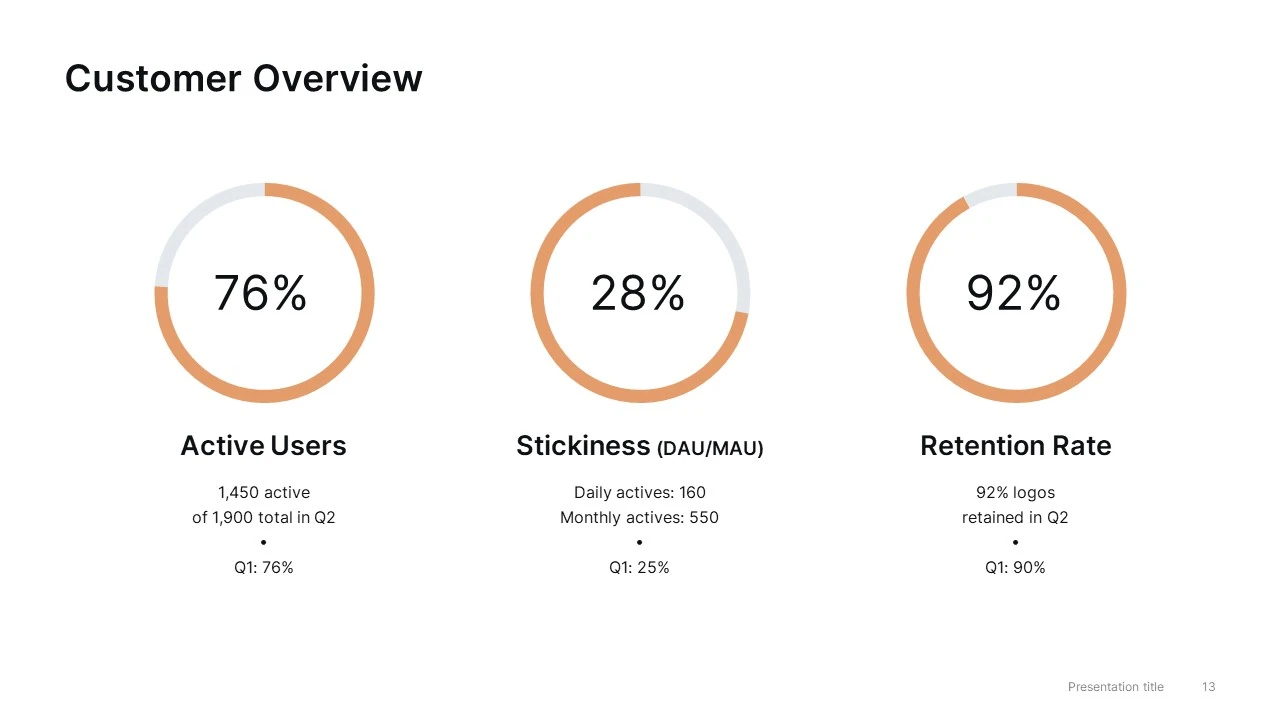
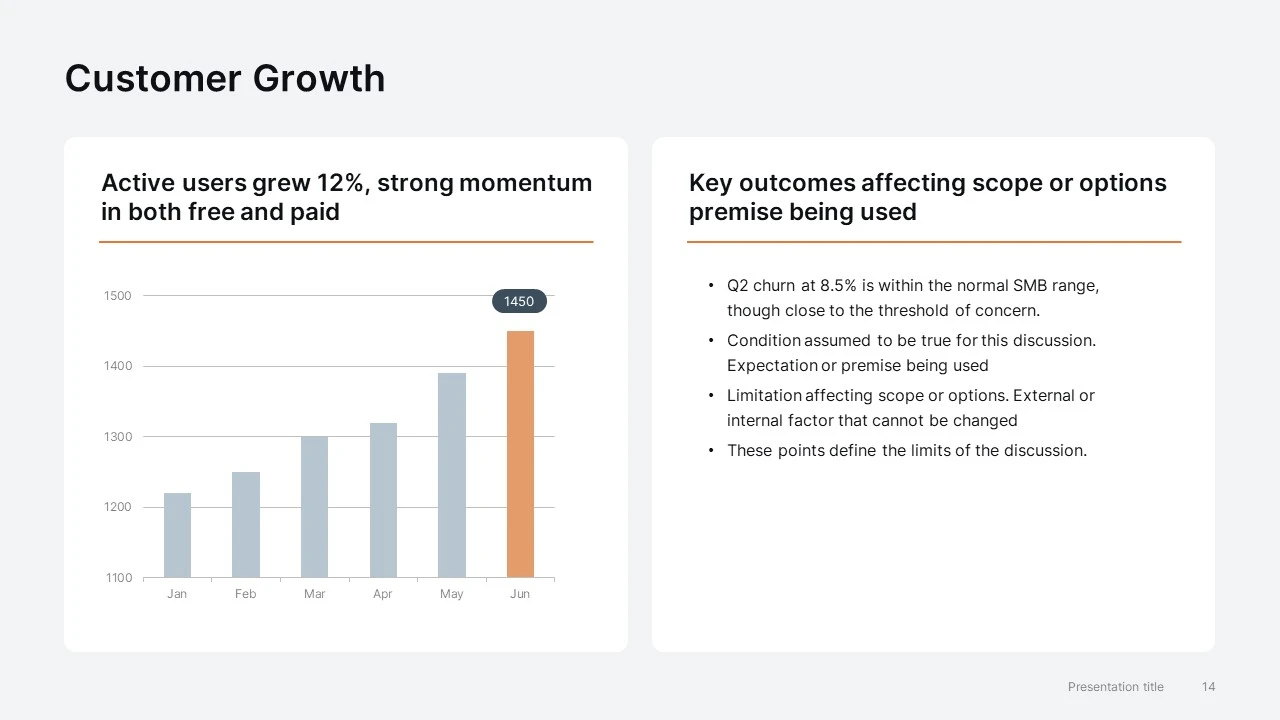
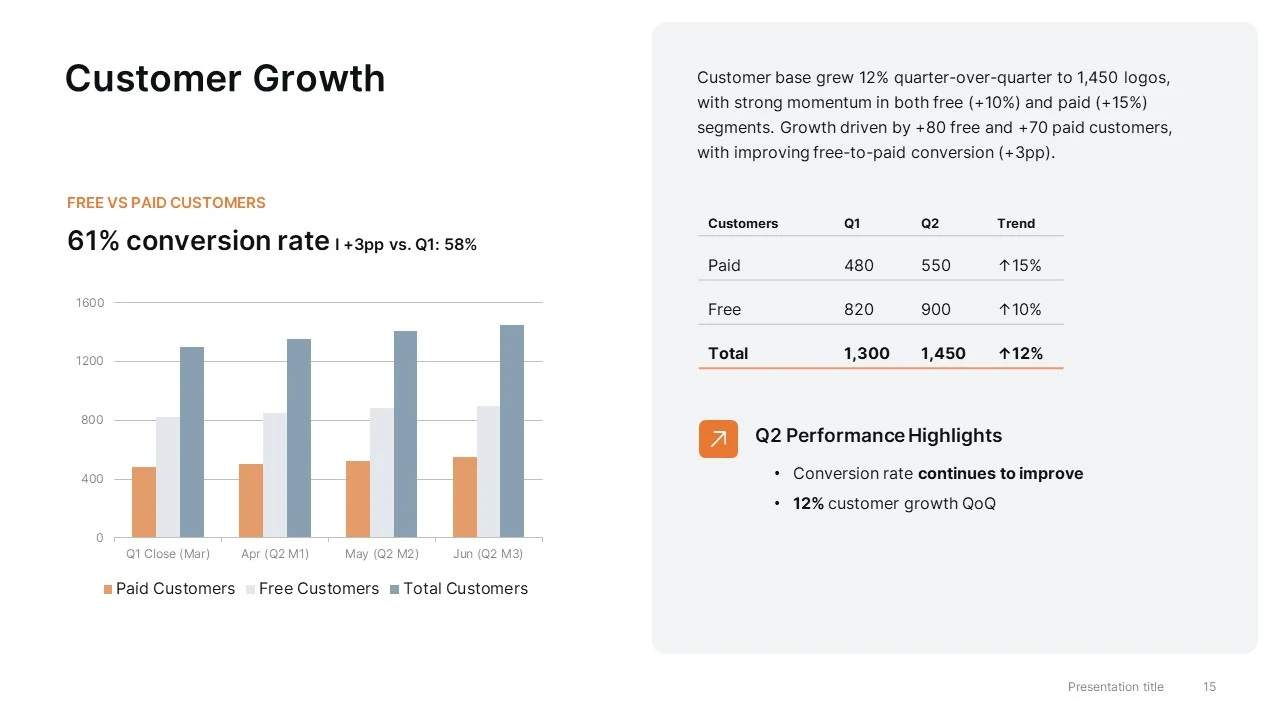
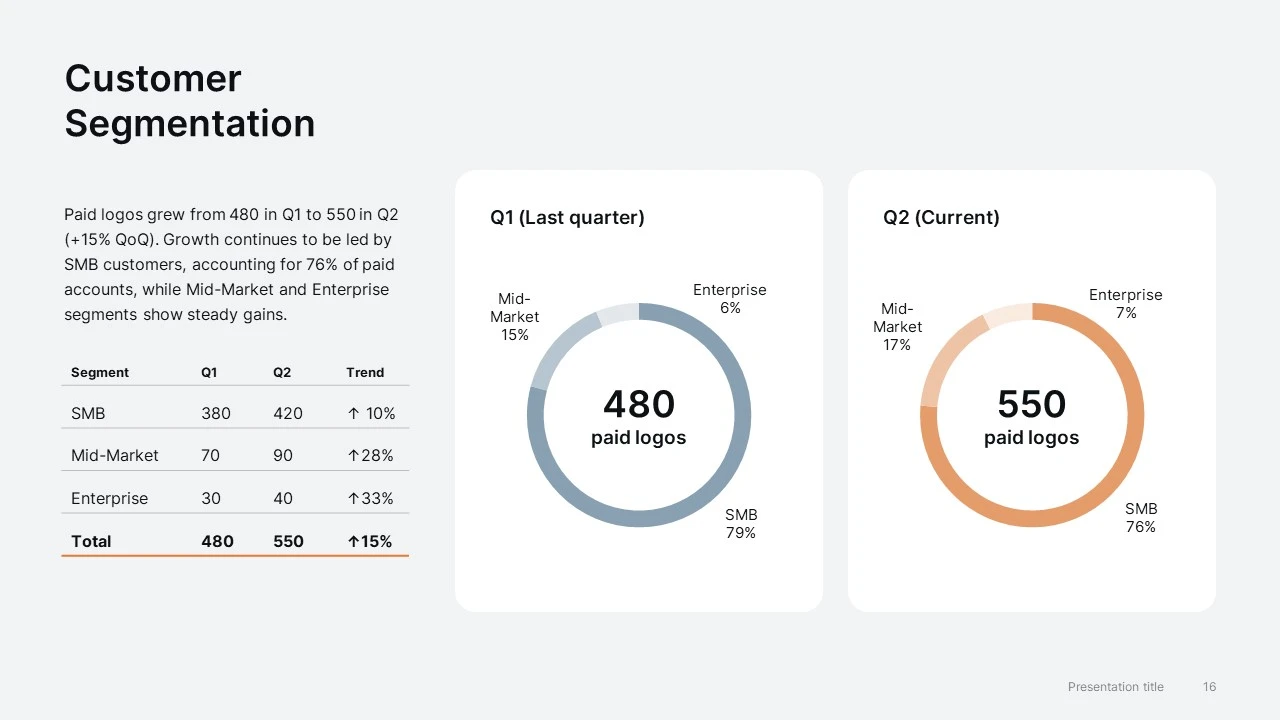
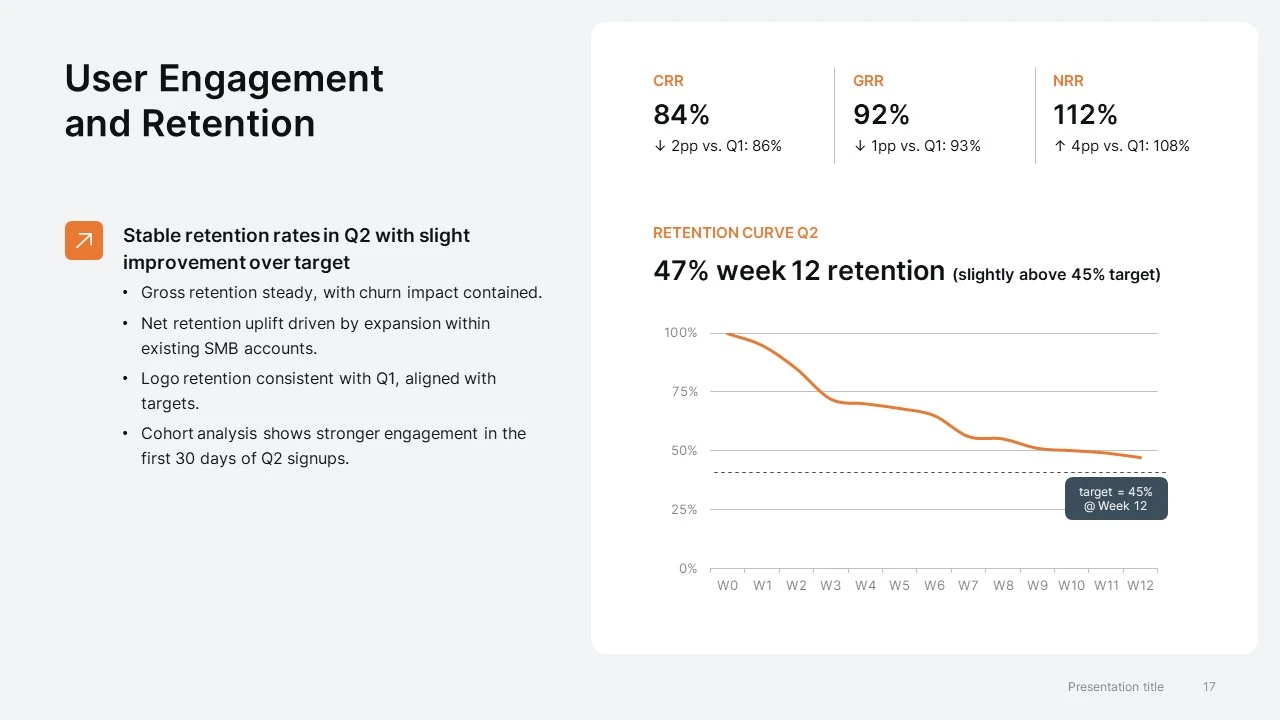
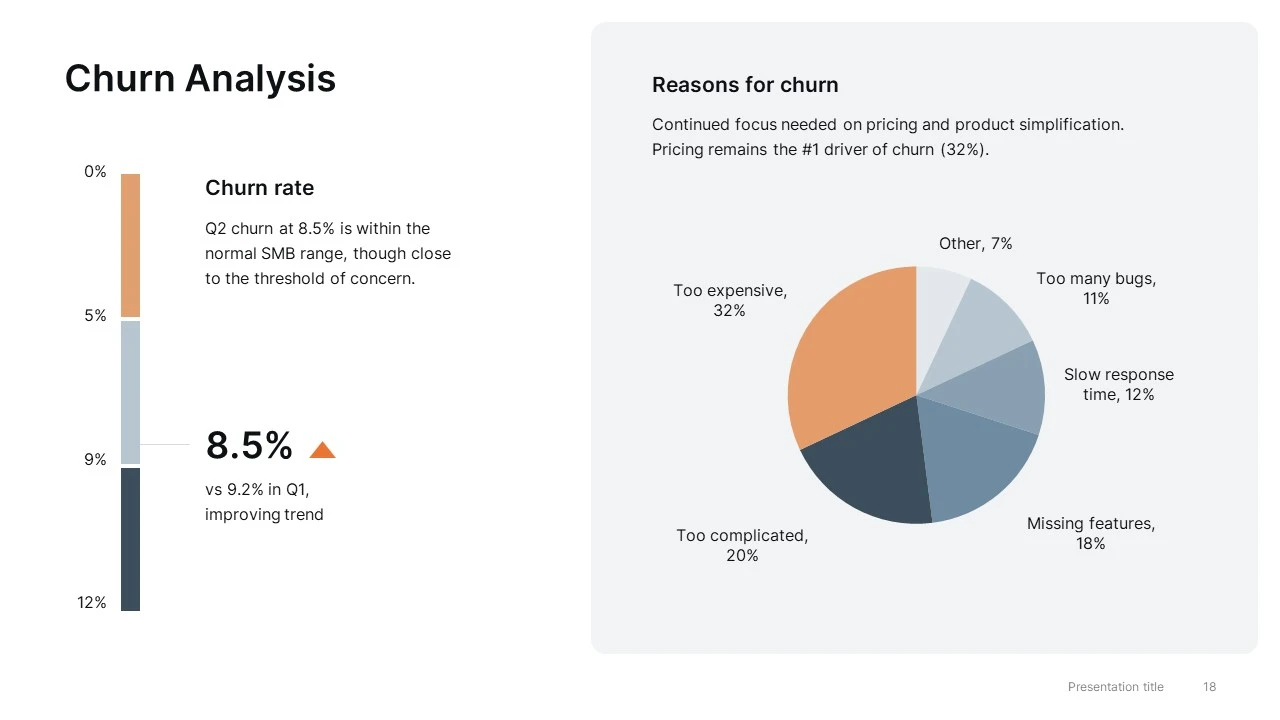
  • Customer & Usage Updates — user growth, retention, churn, segmentation, and engagement metrics
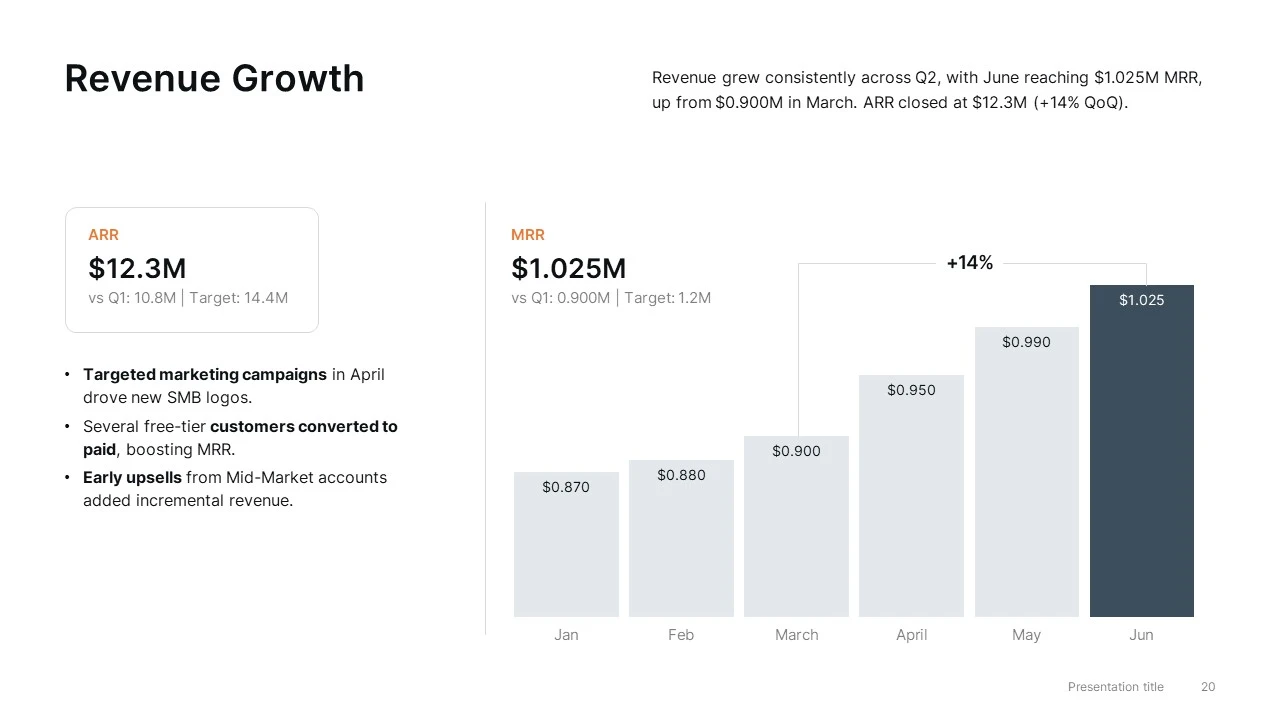
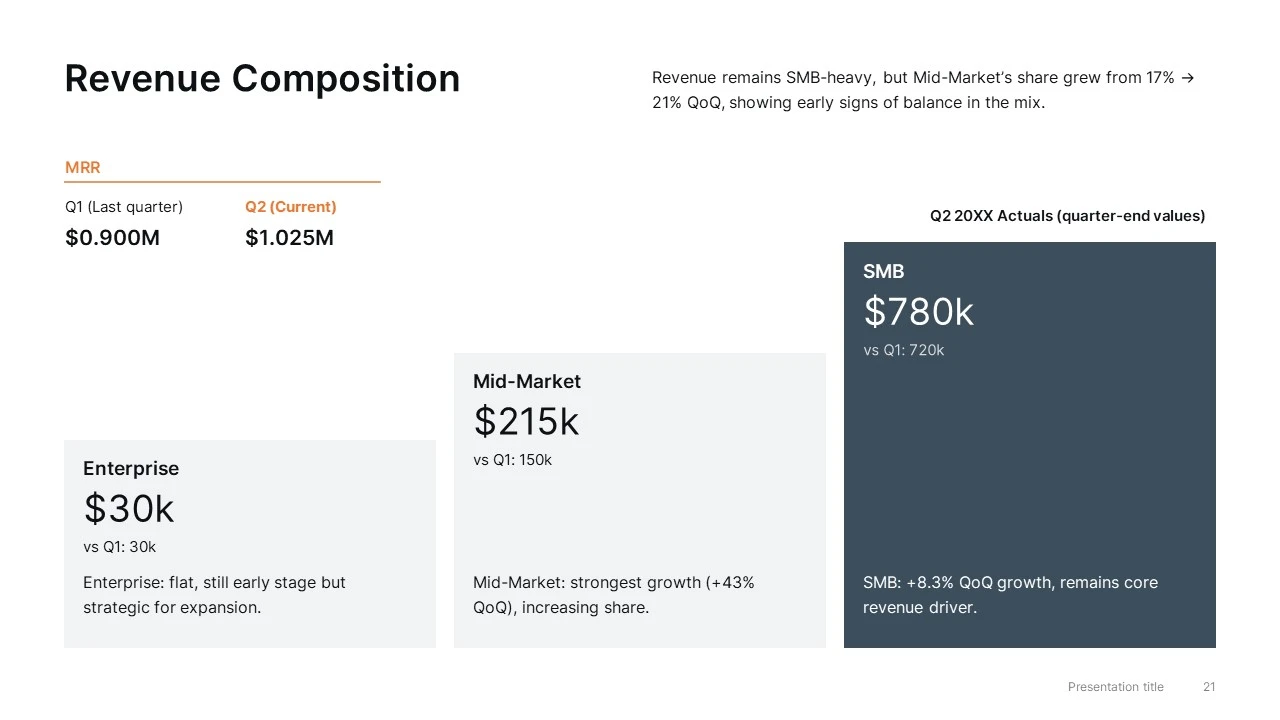
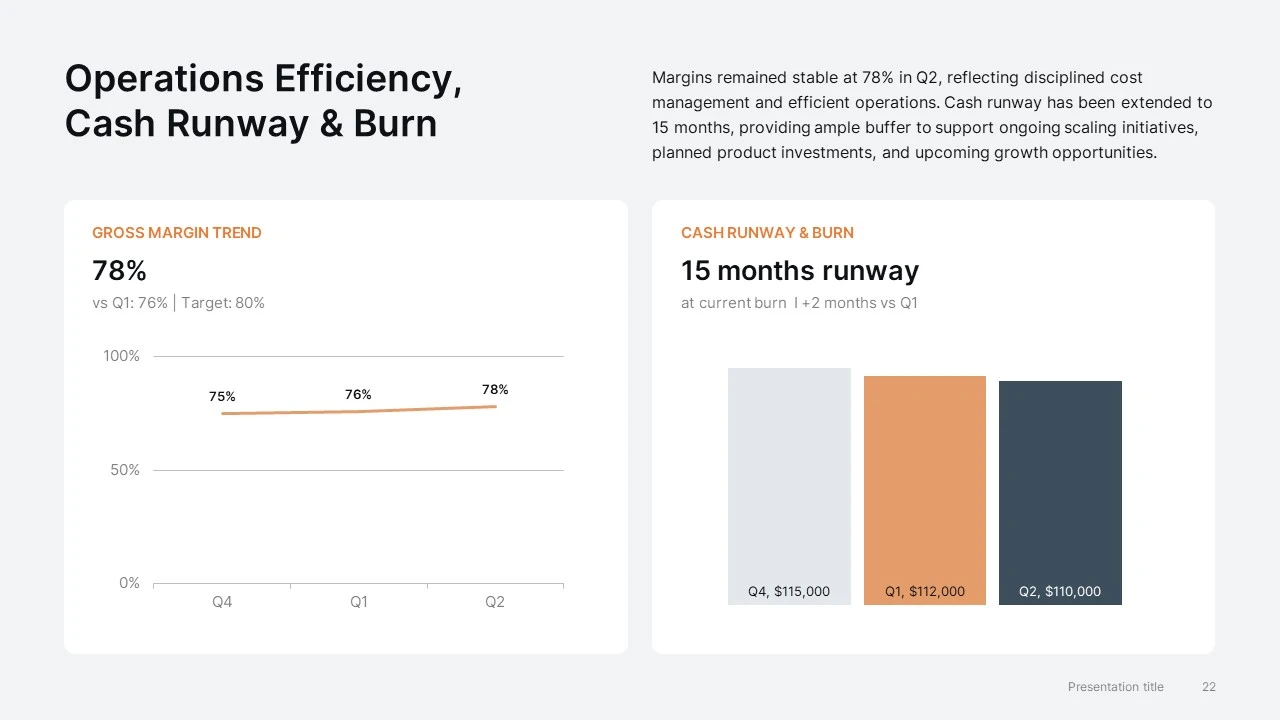
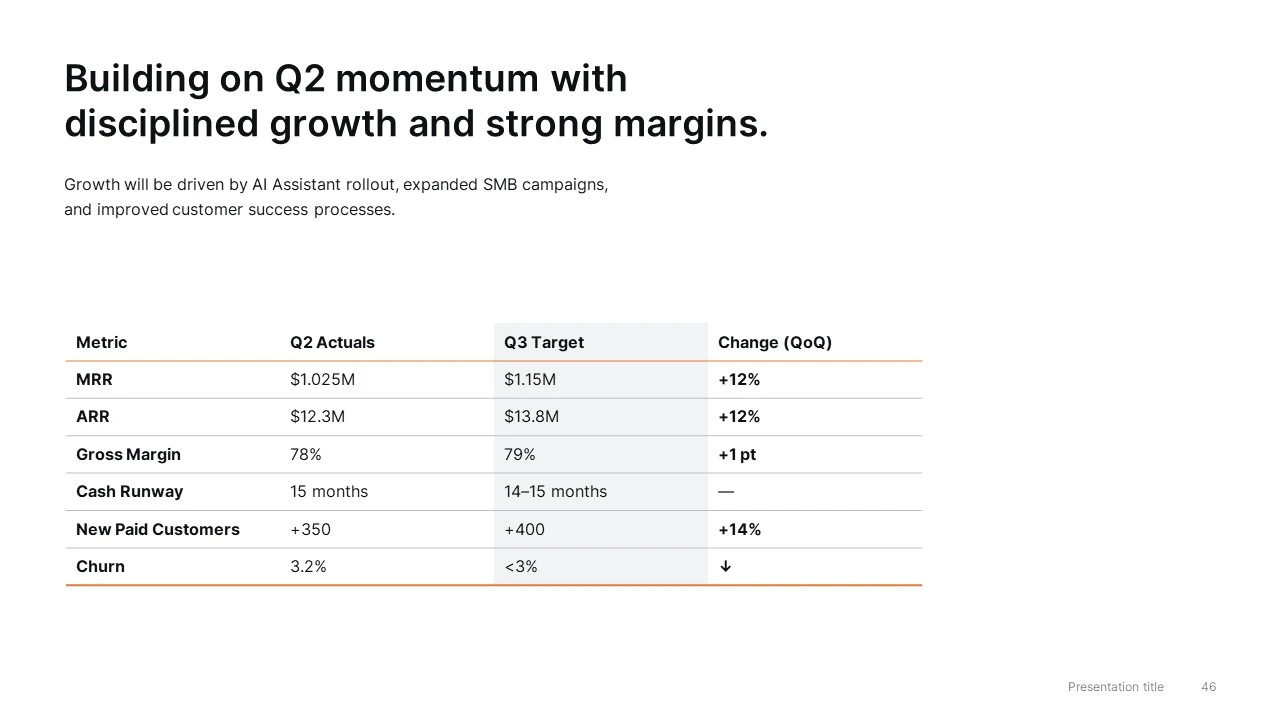
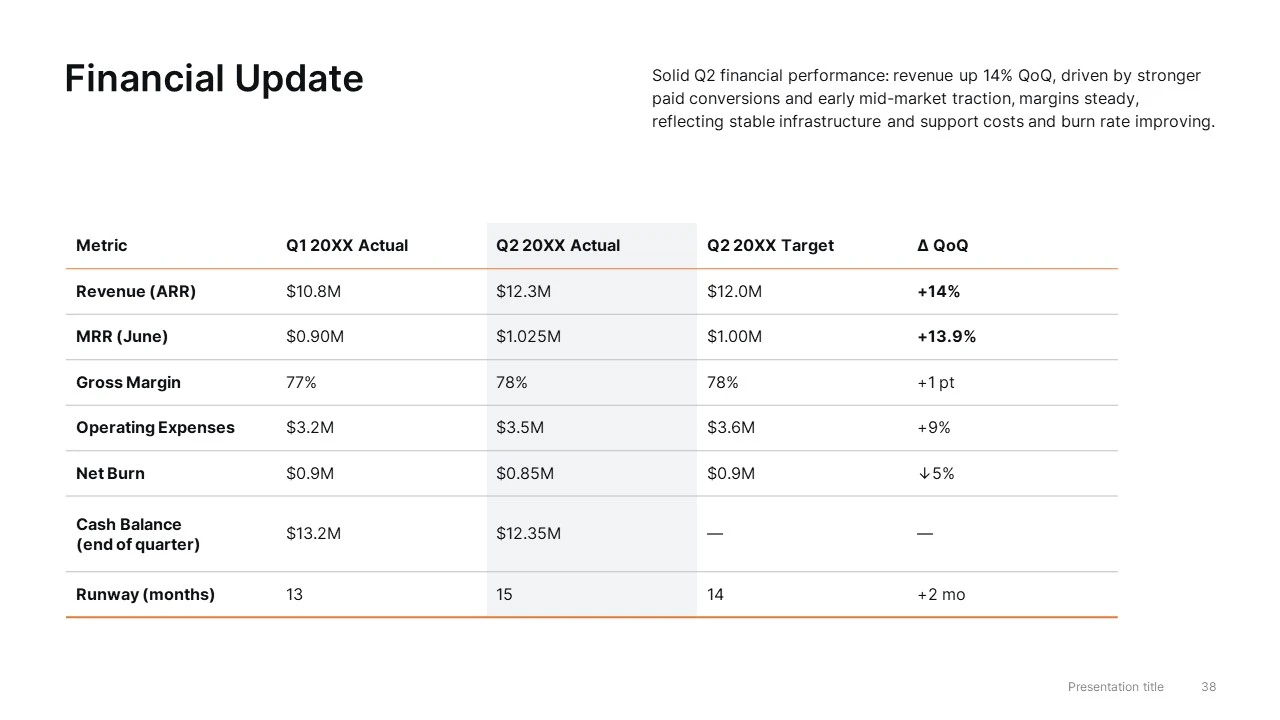
  • Revenue & Financial Performance — ARR, MRR, revenue composition, margins, cash runway, and financial summaries
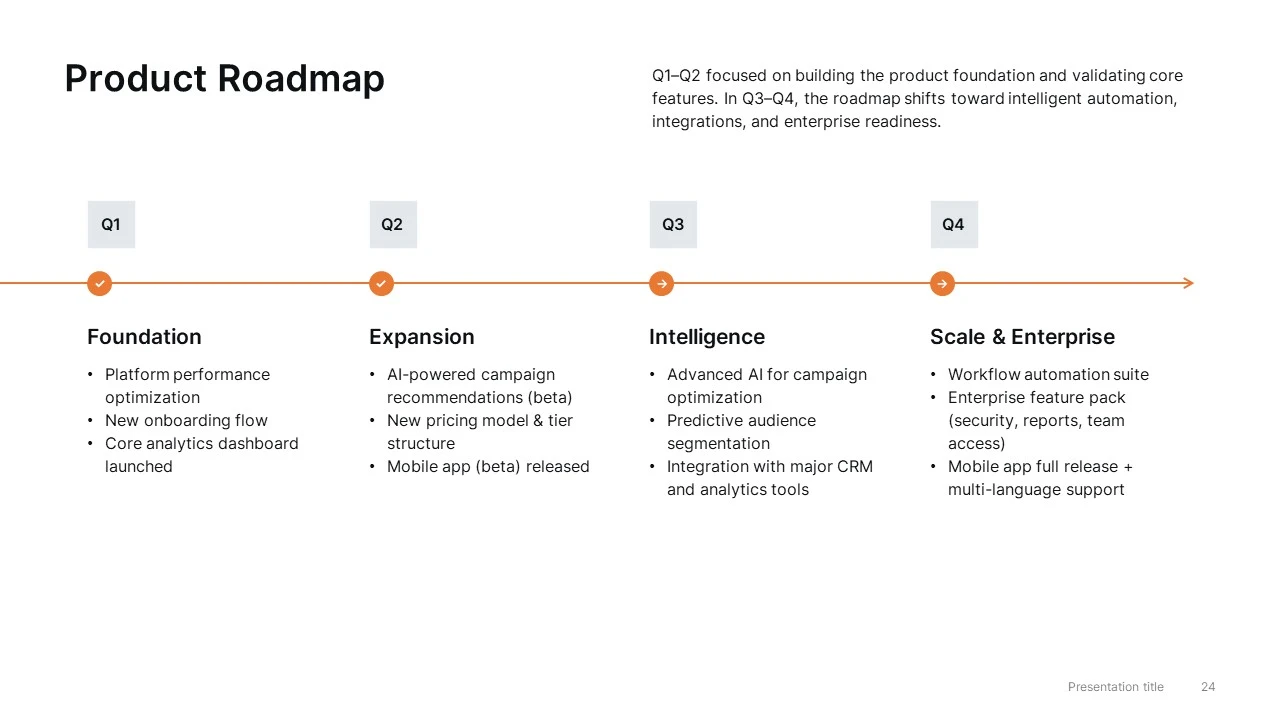
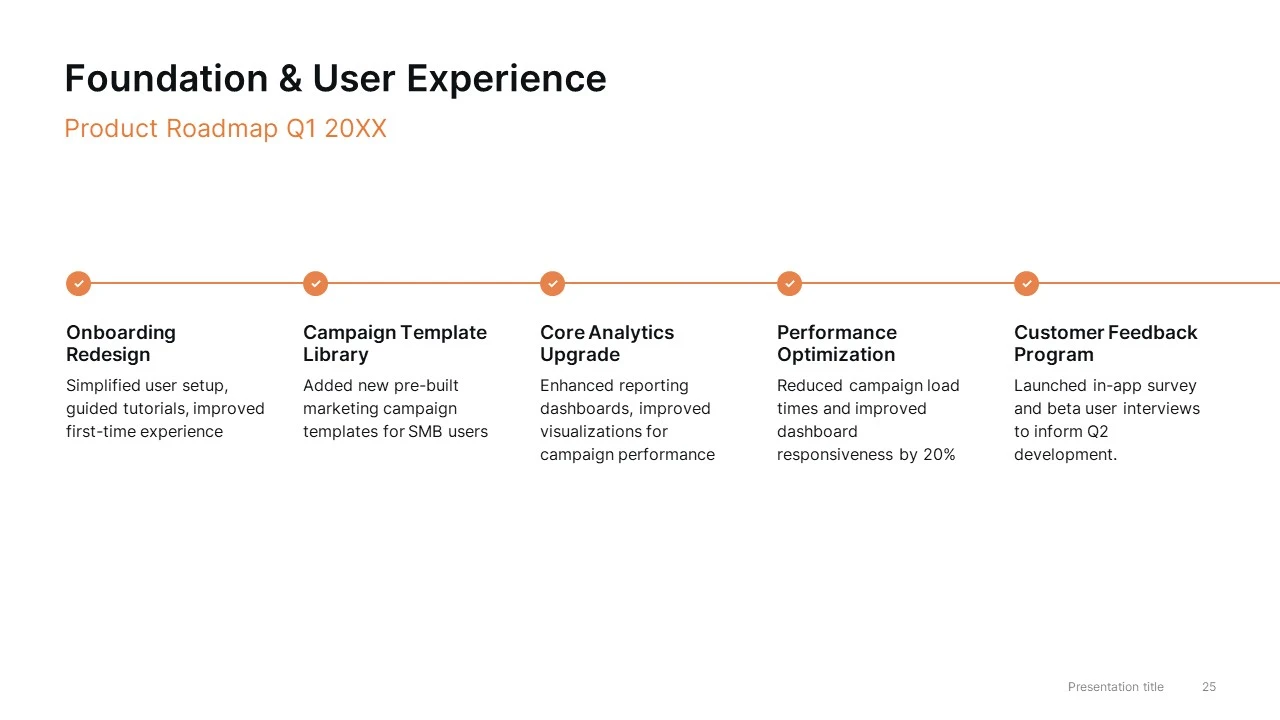
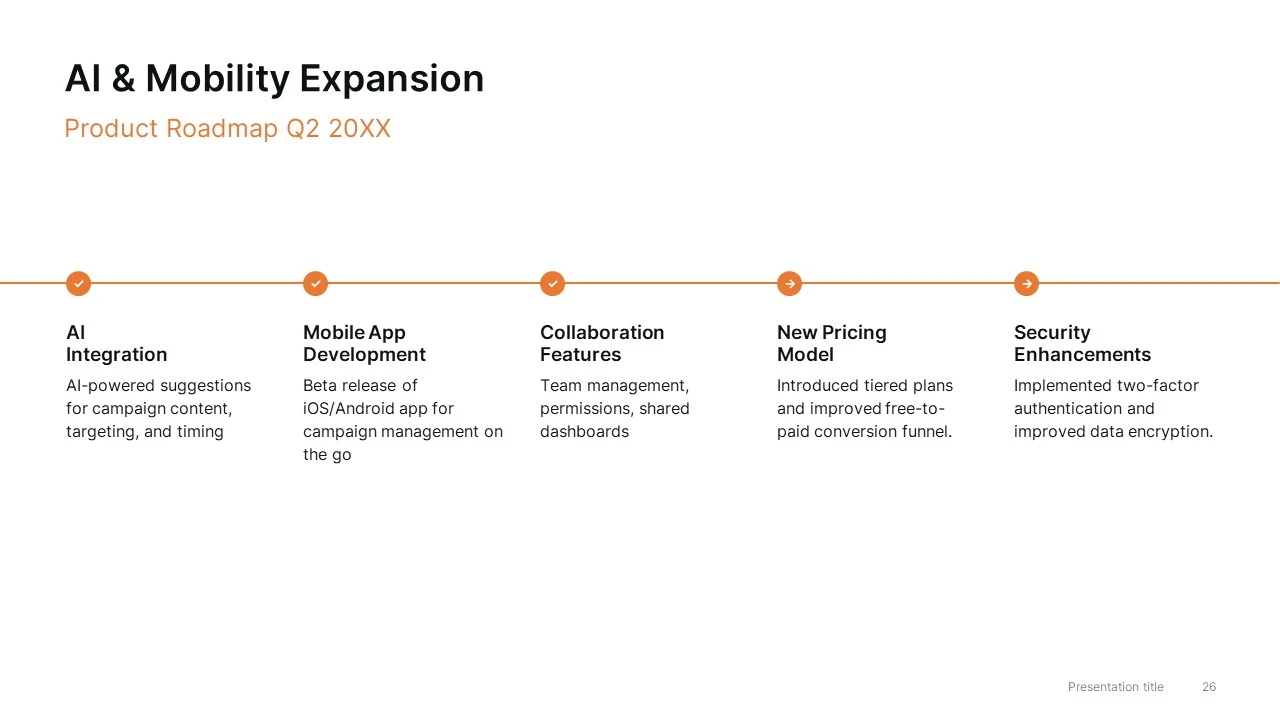
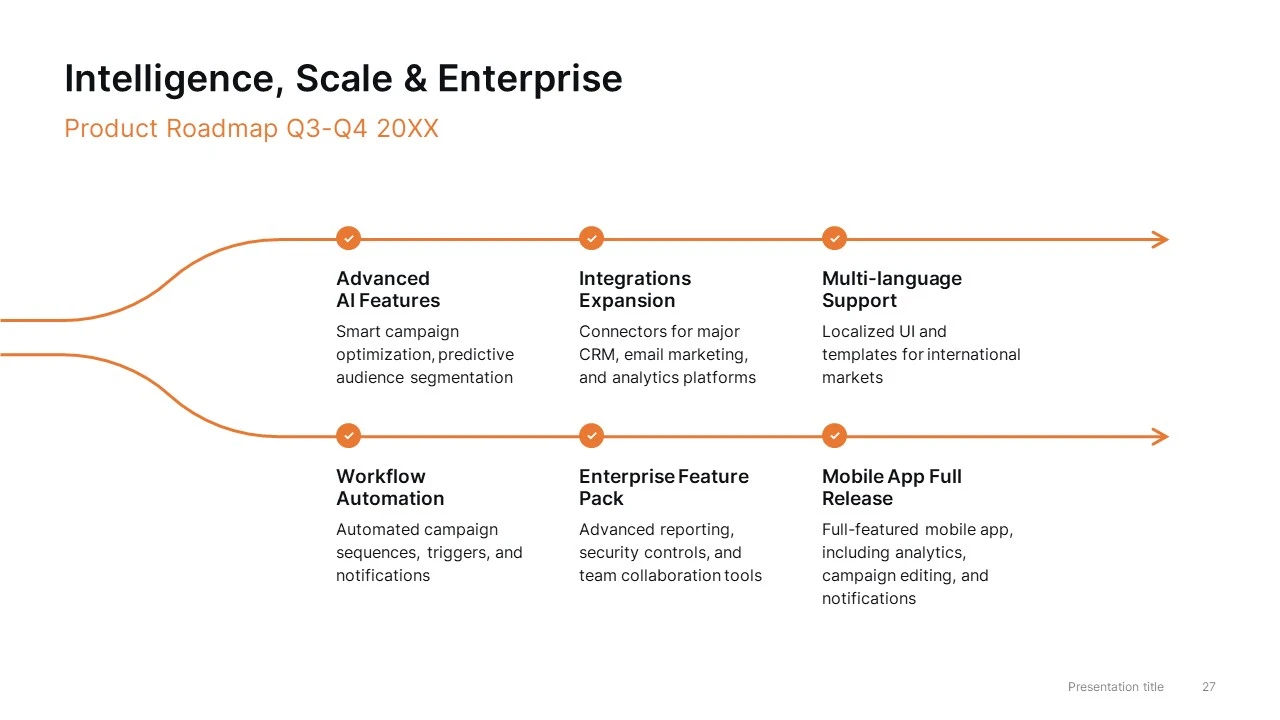
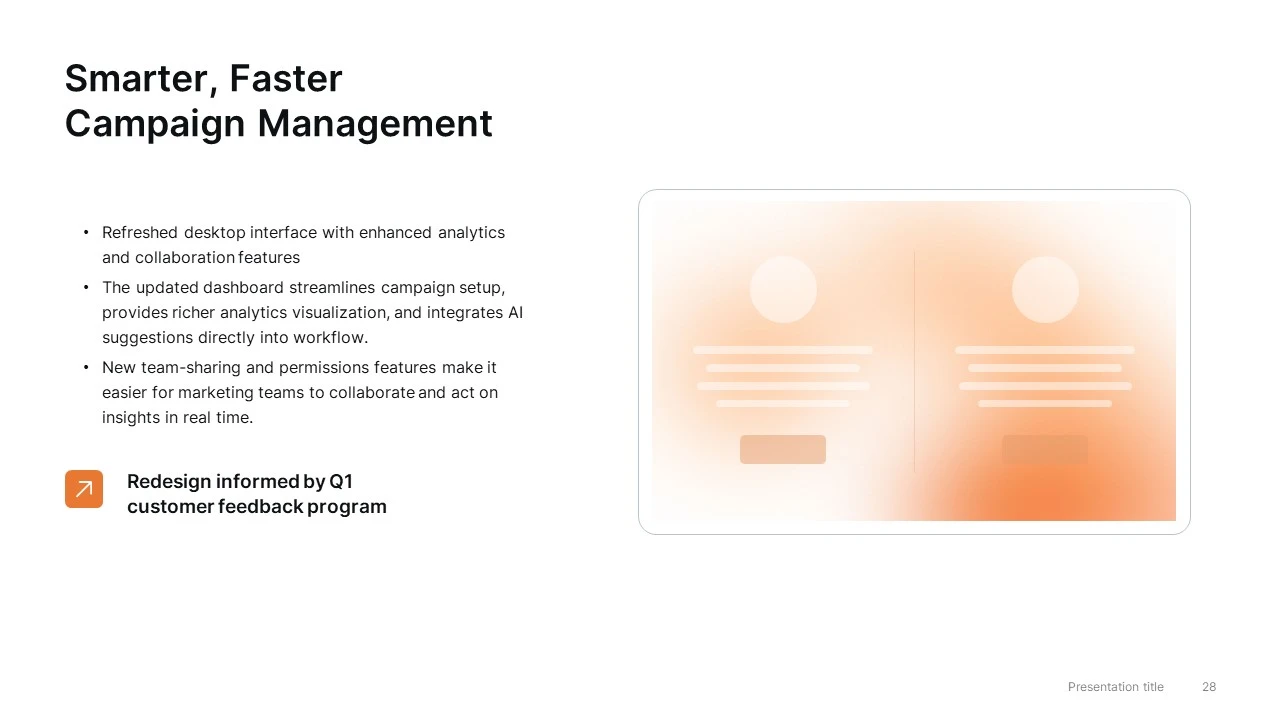
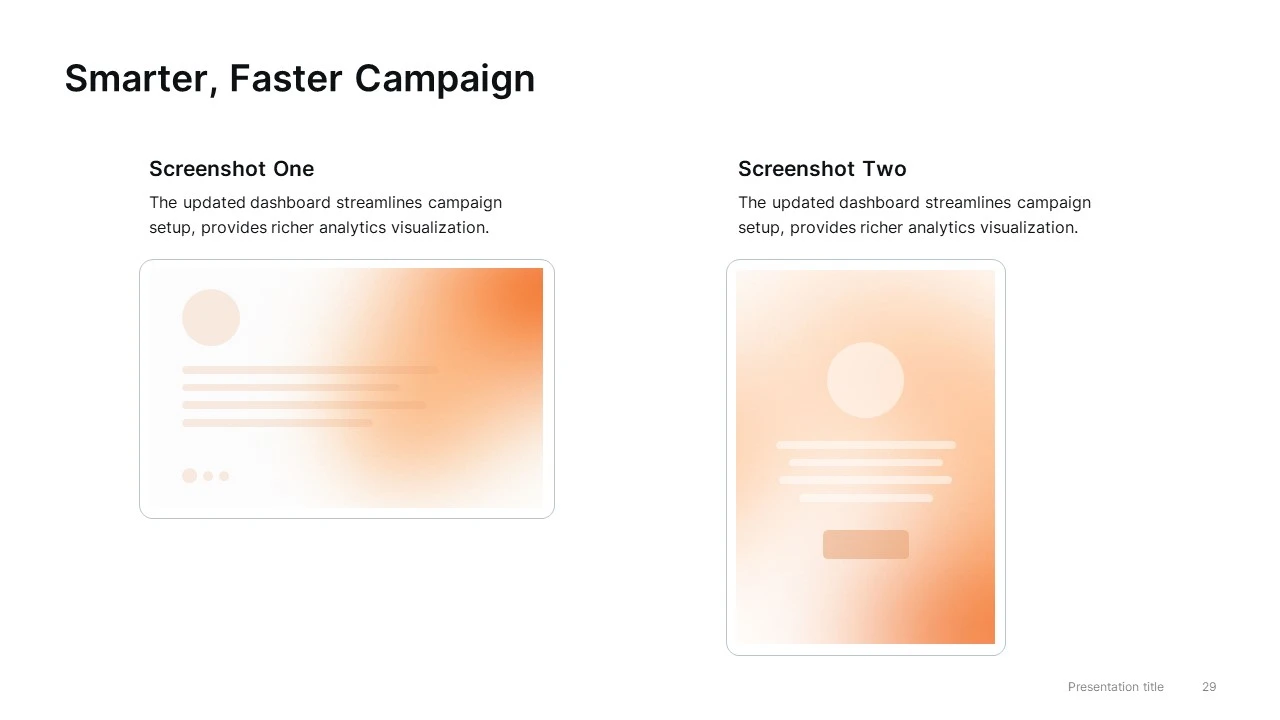
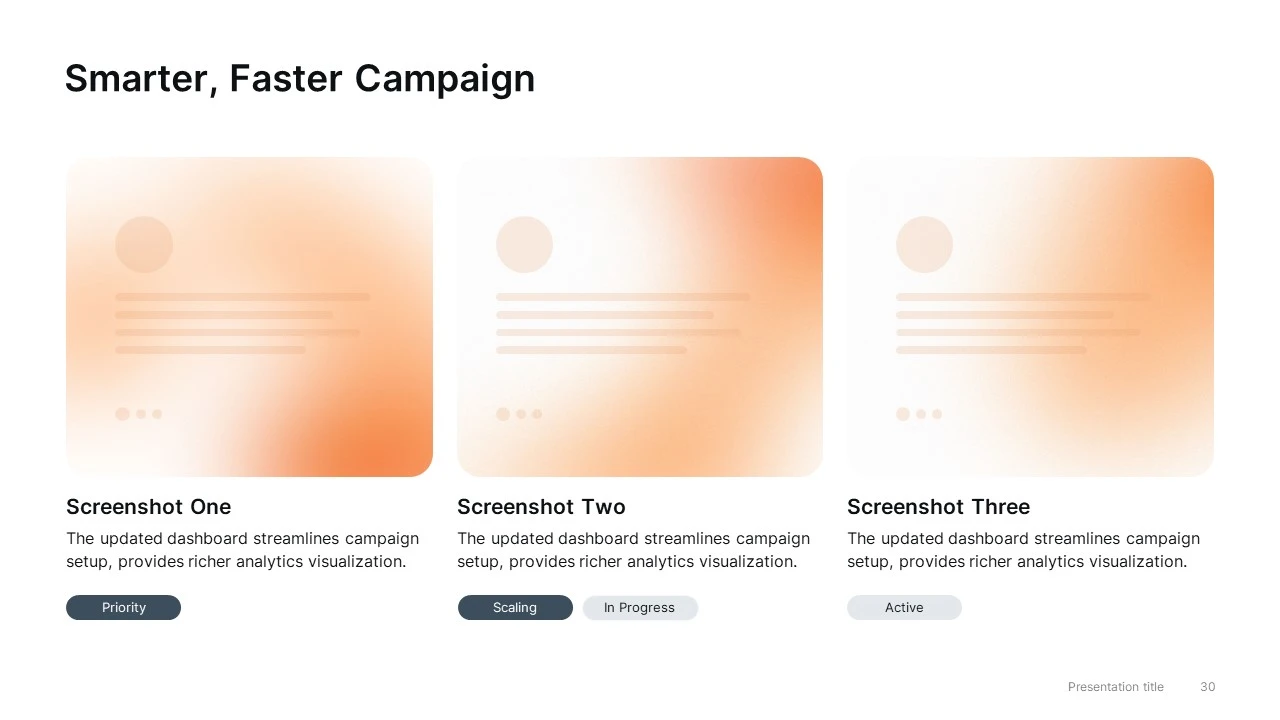
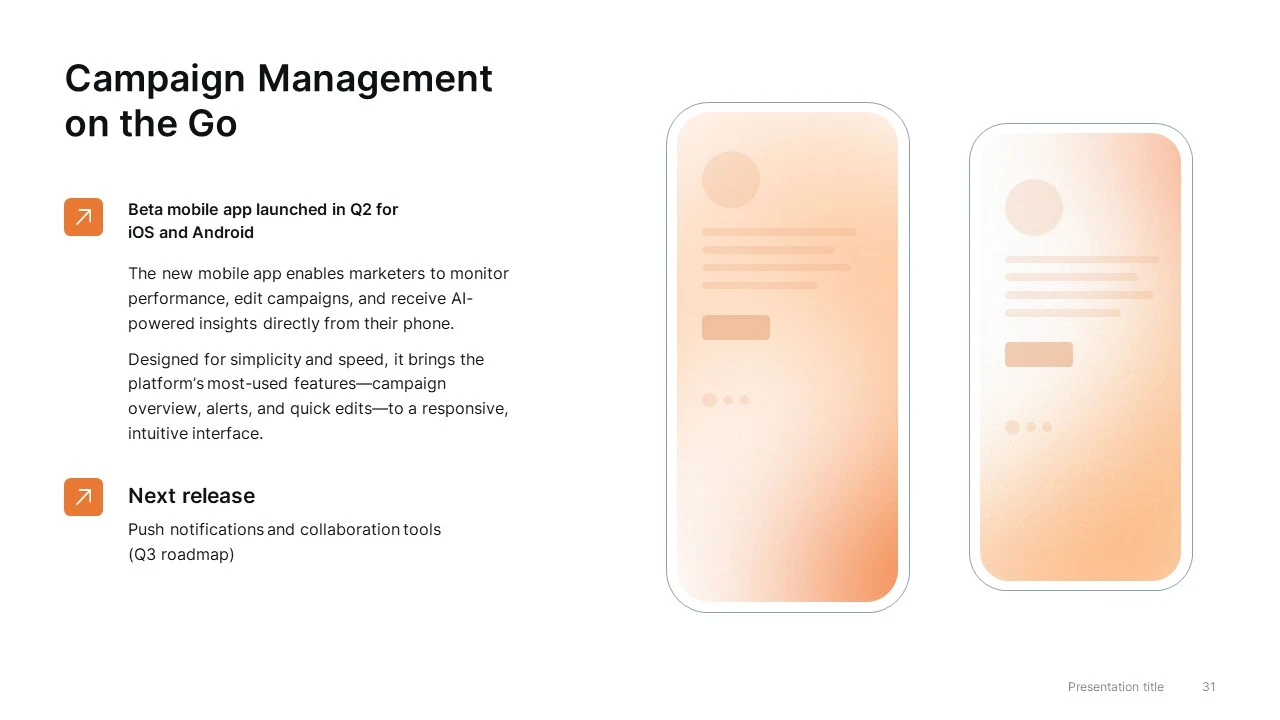
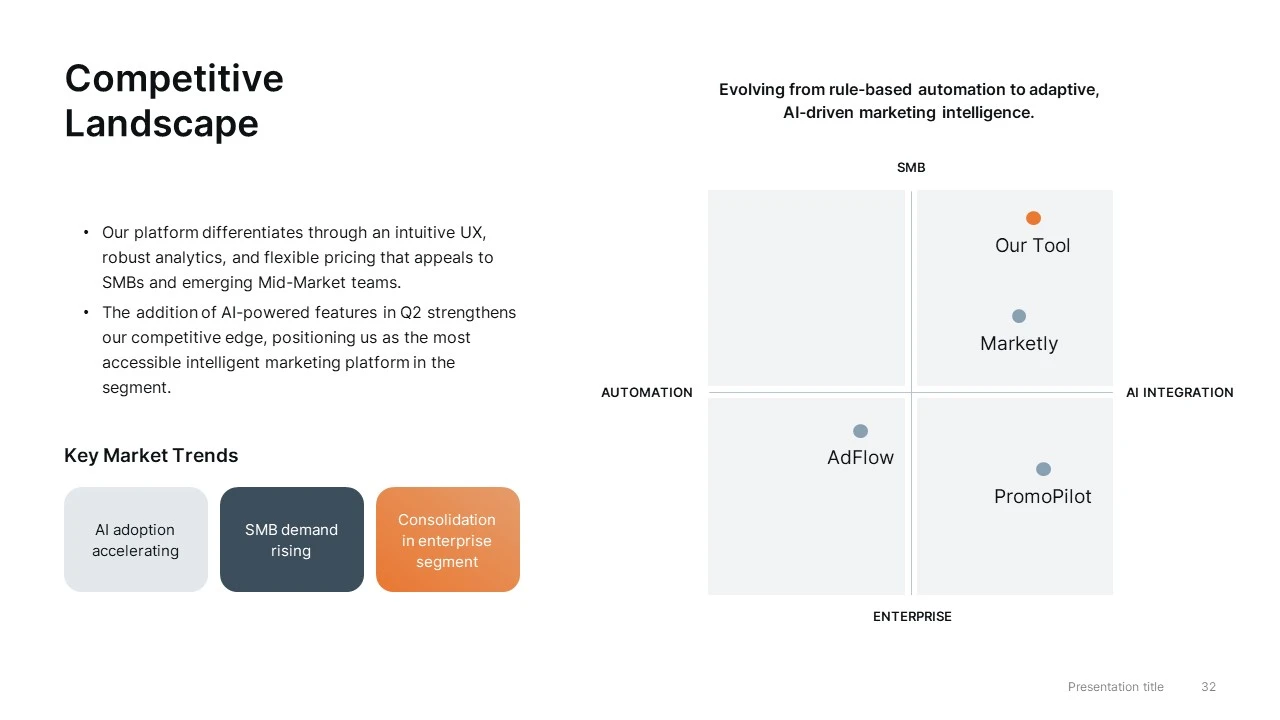
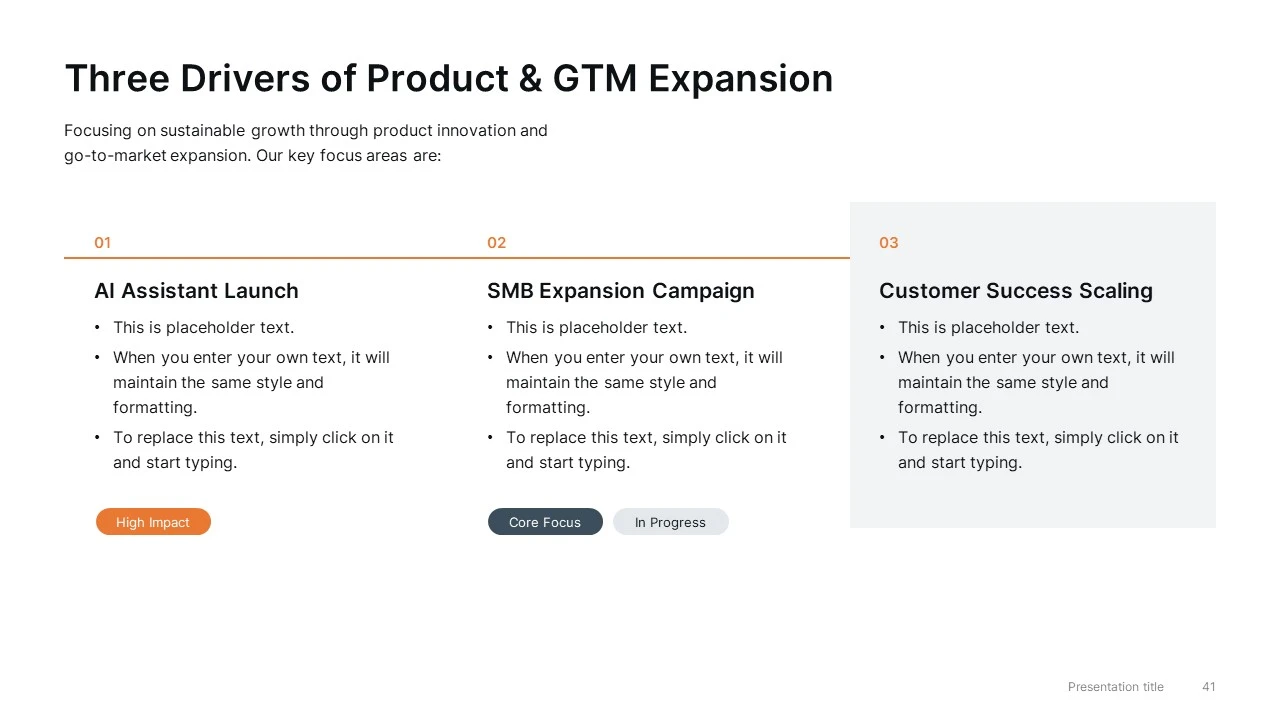
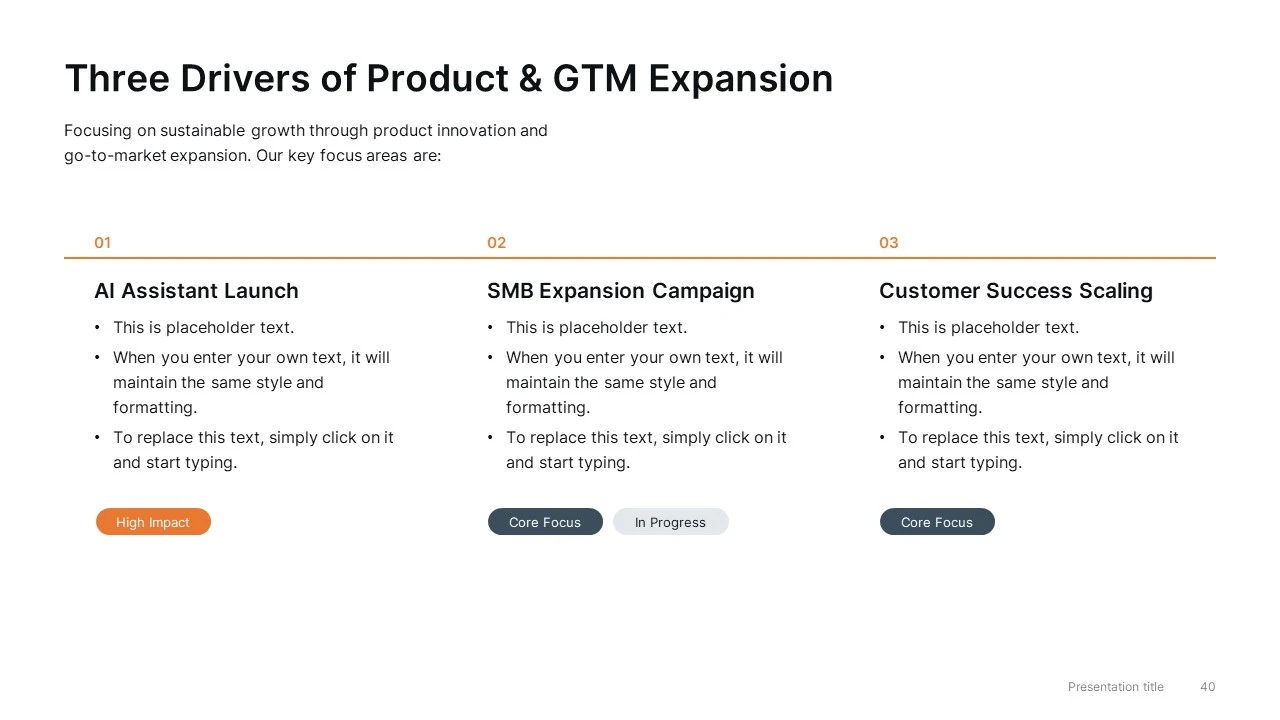
  • Product Update & Roadmap Slides — feature releases, roadmap planning, product screenshots, and competitive positioning
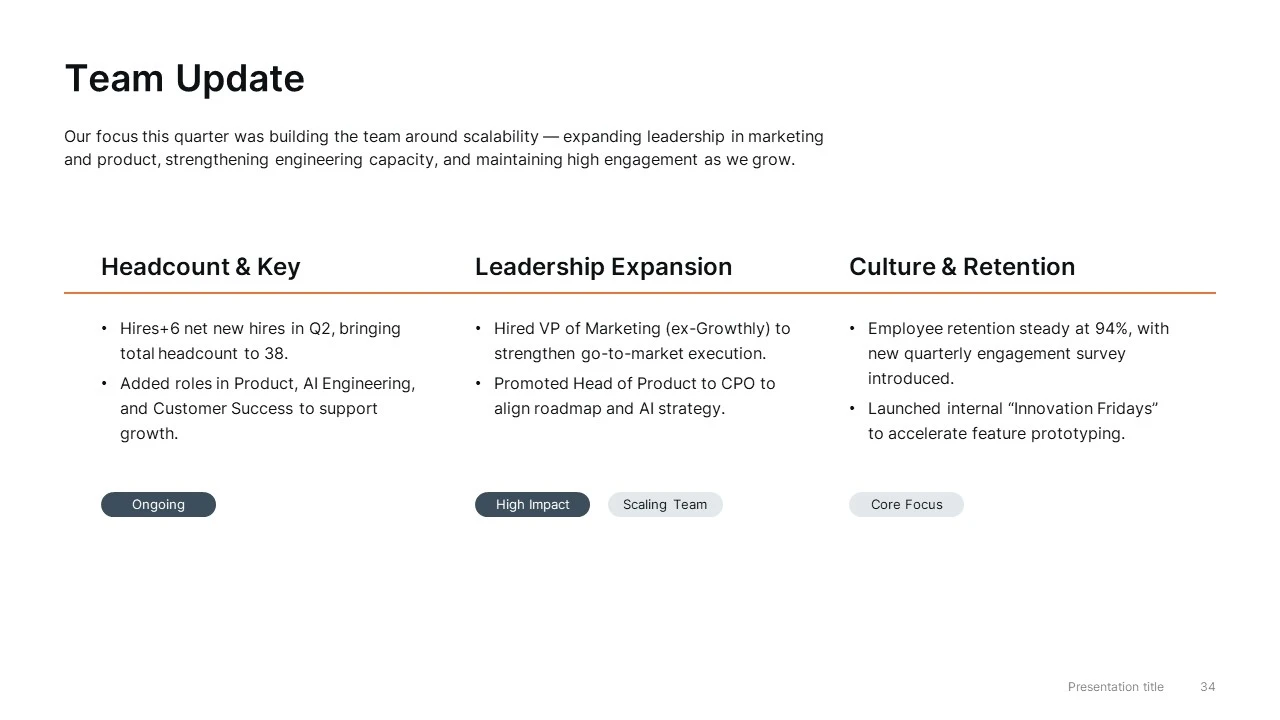
  • Team Update Slides — leadership changes, hiring updates, and organizational growth
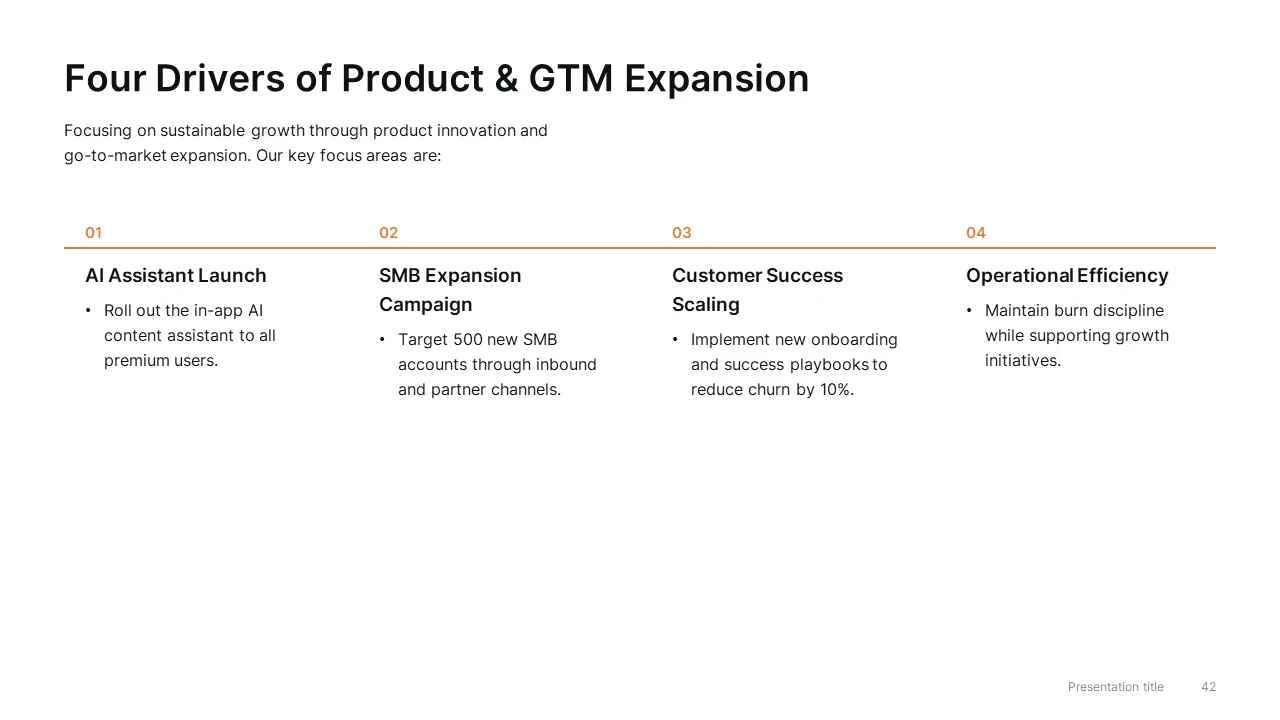
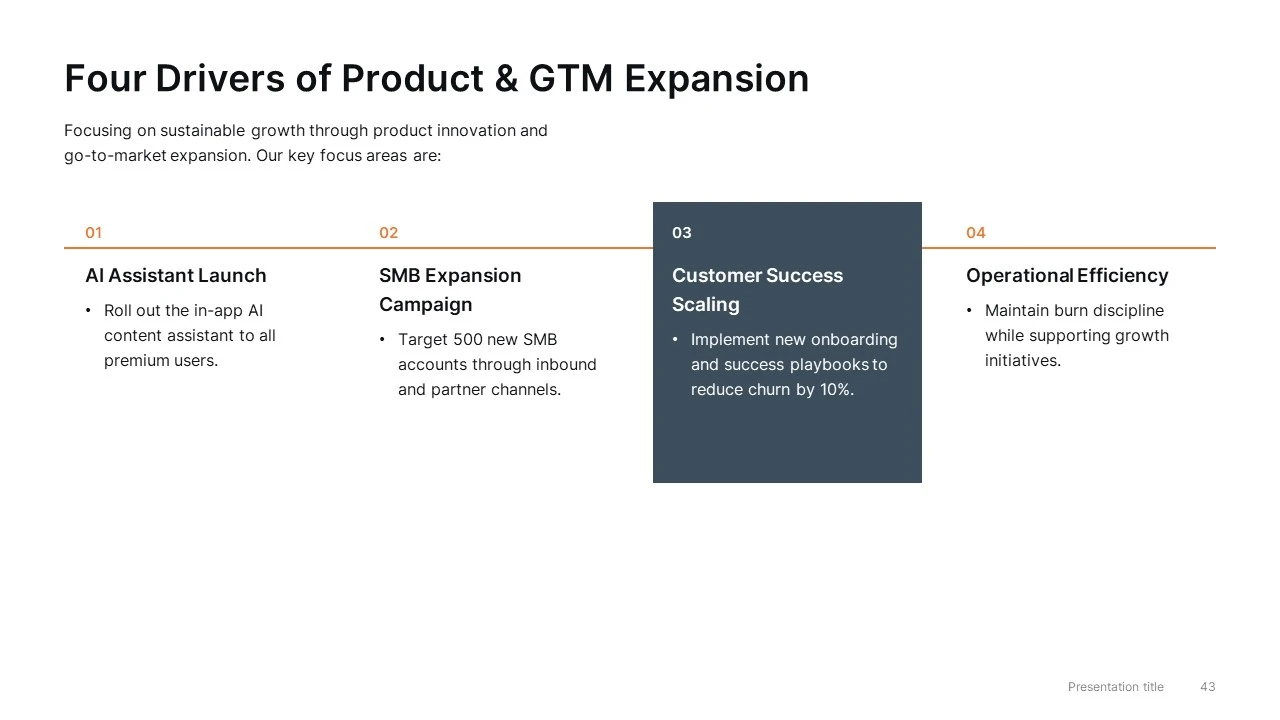
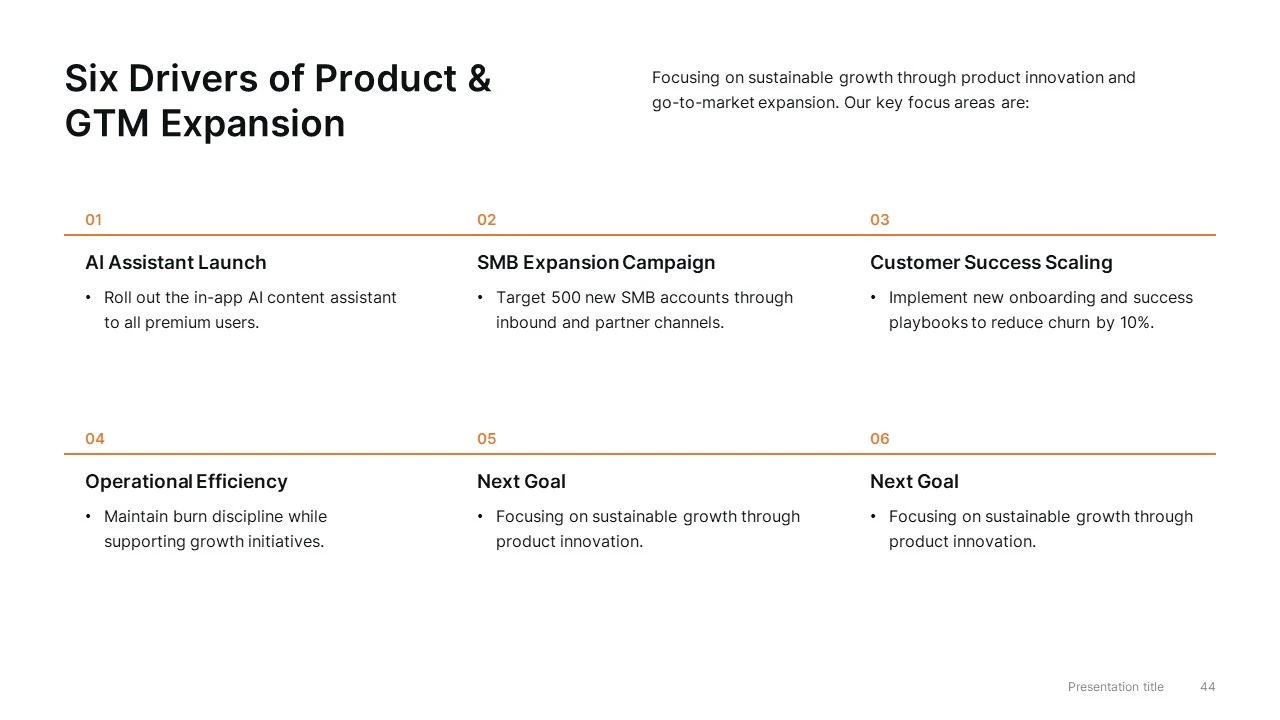
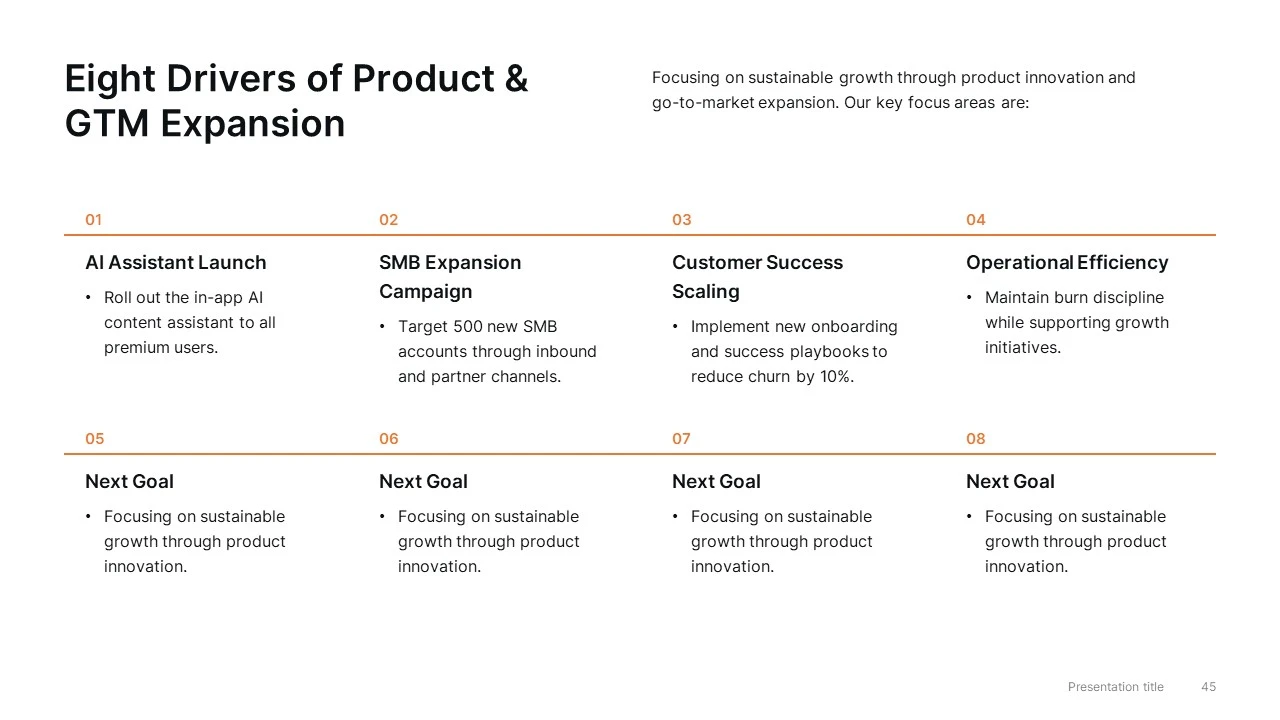
  • Next Quarter Goals — strategic priorities, initiatives, and business objectives
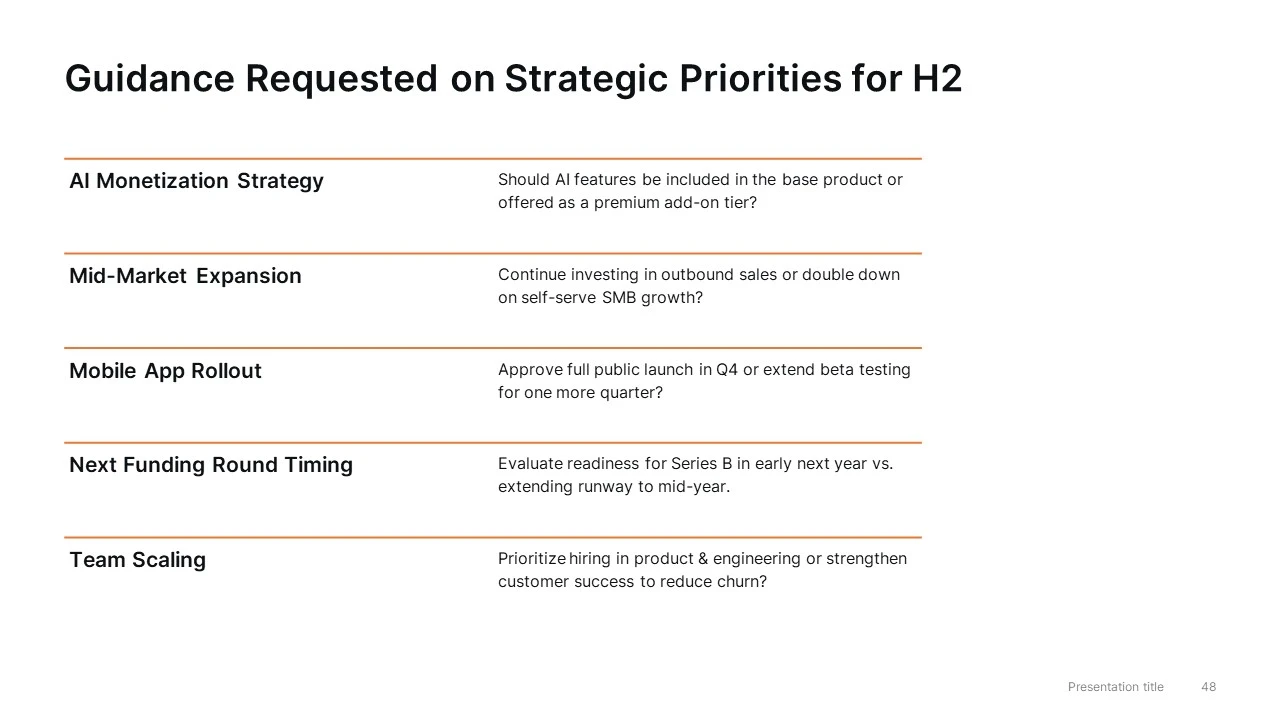
  • Board Discussion & Decision Slides — key questions, strategic decisions, and Q&A
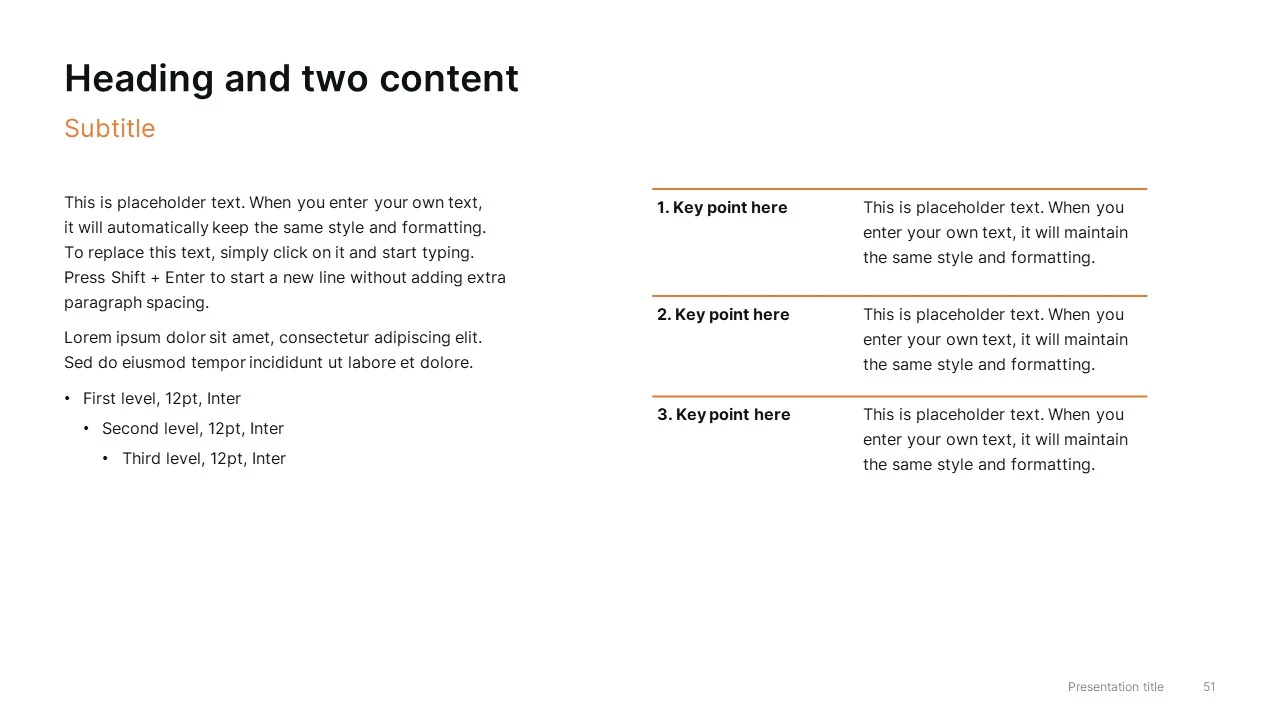
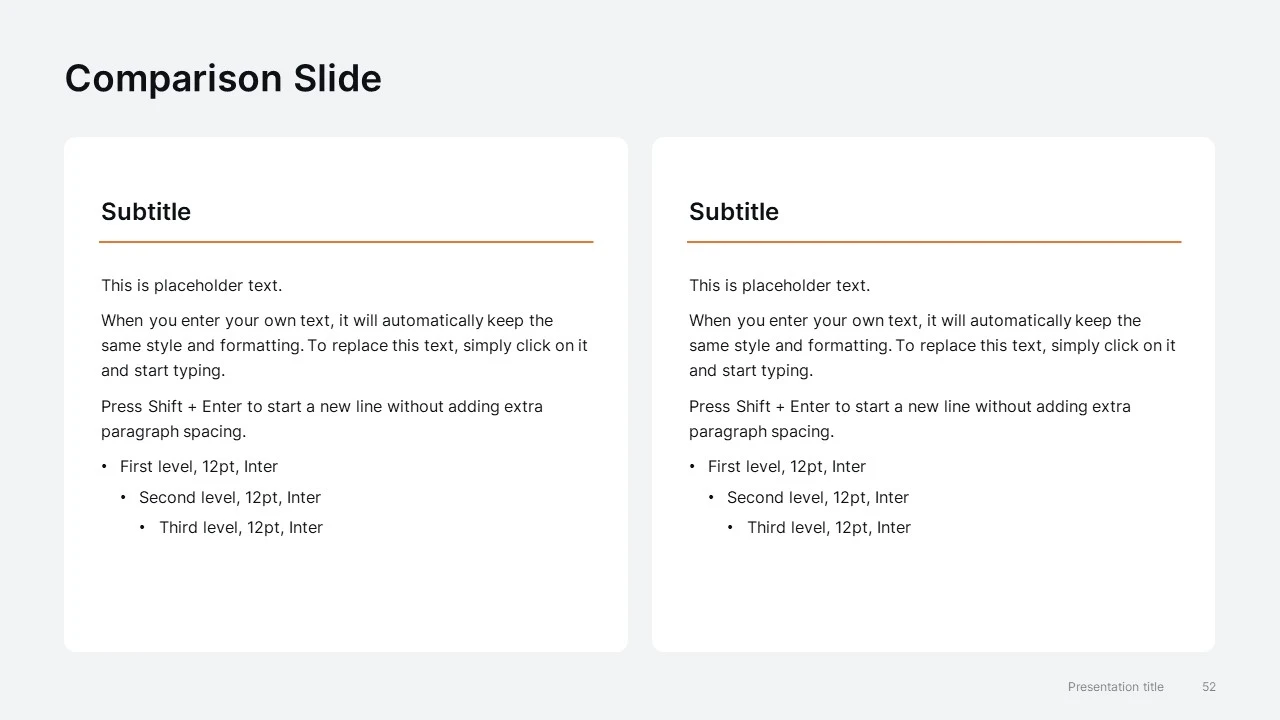
  • Closing & Utility Slides — conclusion layouts, comparison slides, table guidelines, typography, and template usage instructions

All charts, tables, timelines, roadmaps, and layouts are fully editable, making the deck easy to adapt for every quarterly reporting cycle.

Make every quarterly board meeting easier to prepare

Save hours on presentation design with a structured PowerPoint template built for recurring board reviews, executive updates, and investor reporting.

Have a question about this template? Get in touch.
More from Diagrama Studio

If you like this template, you may also find these helpful.
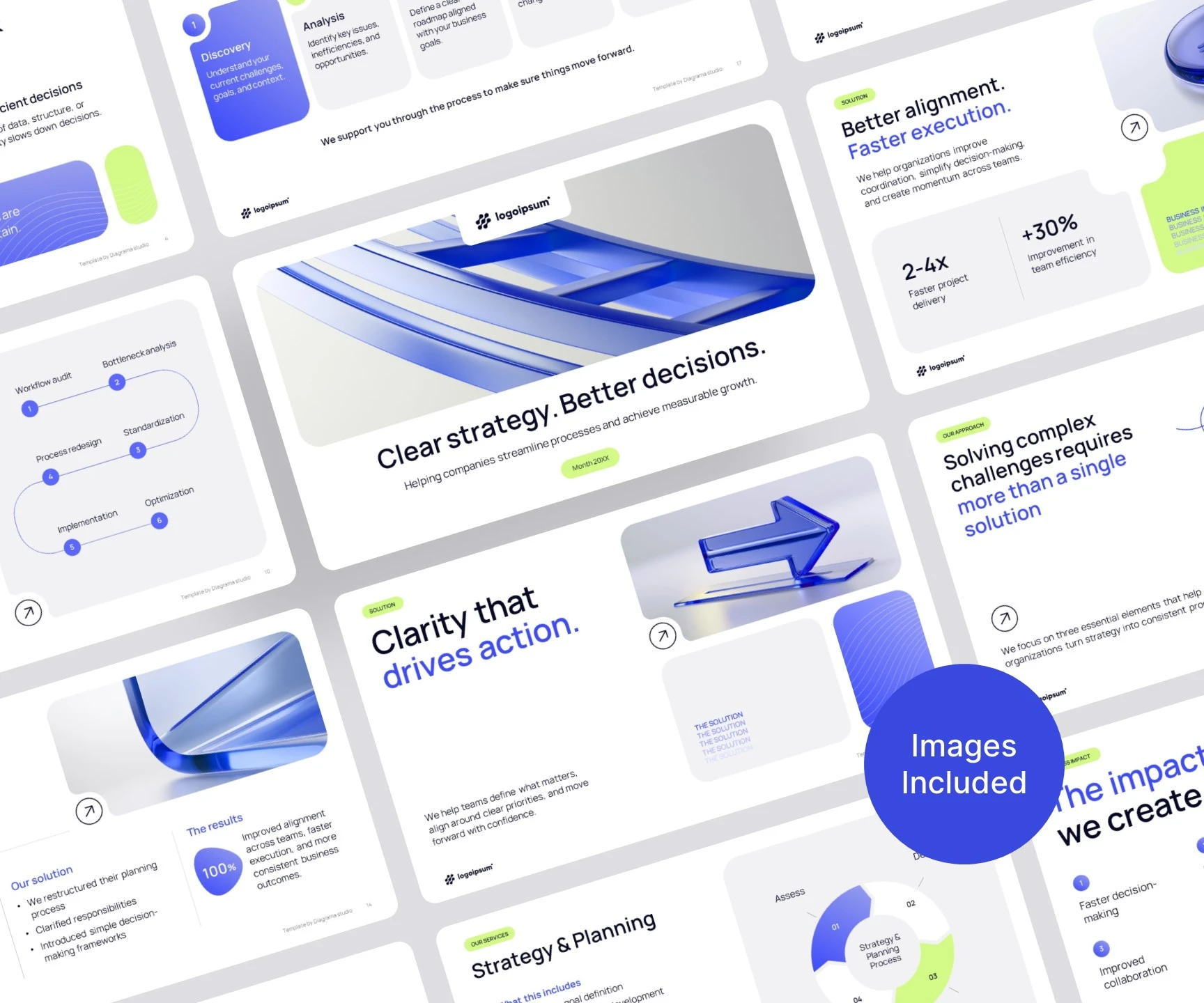
Consulting Company Presentation Template for PowerPoint
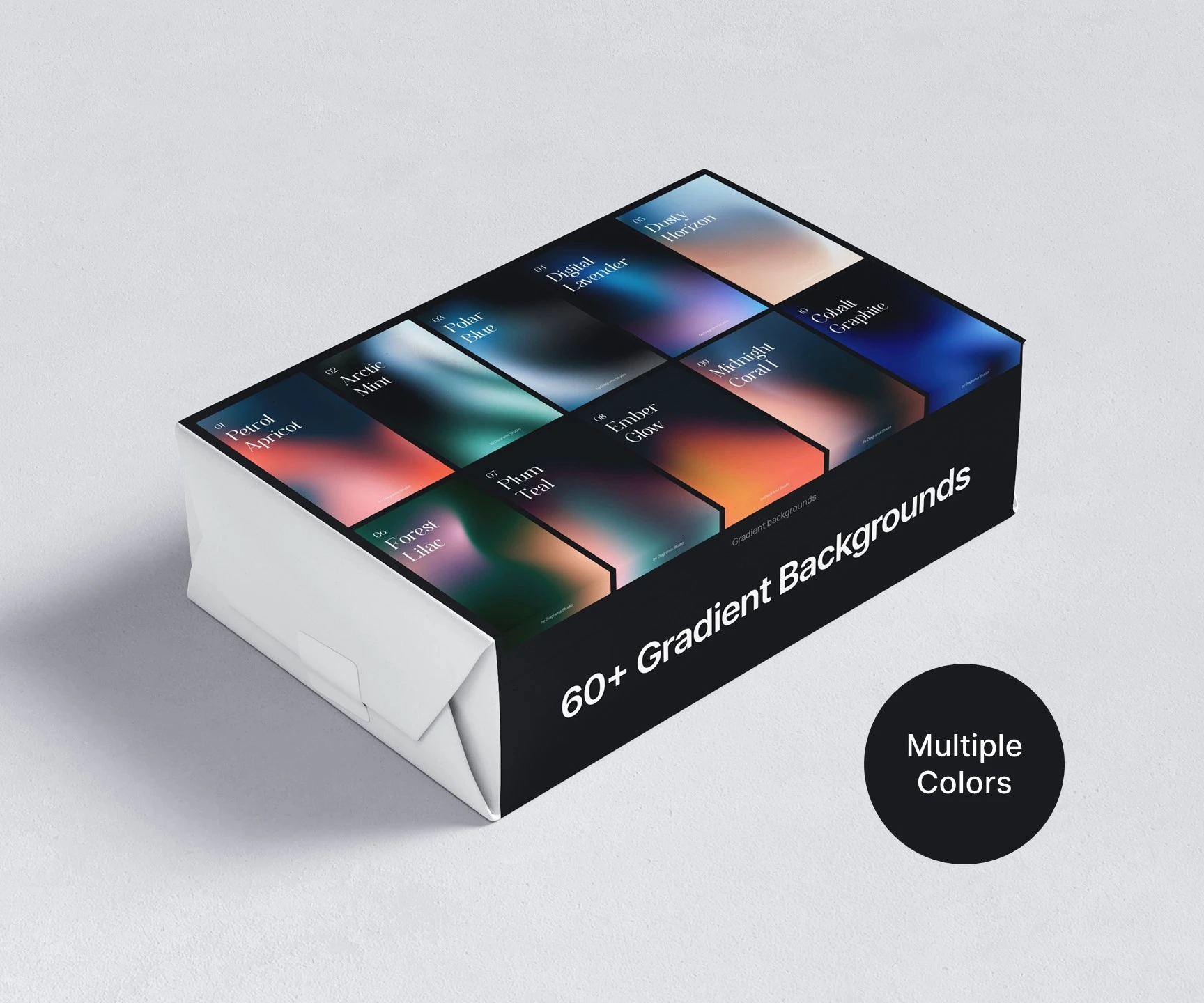
Gradient backgrounds for PowerPoint presentations in multiple colors
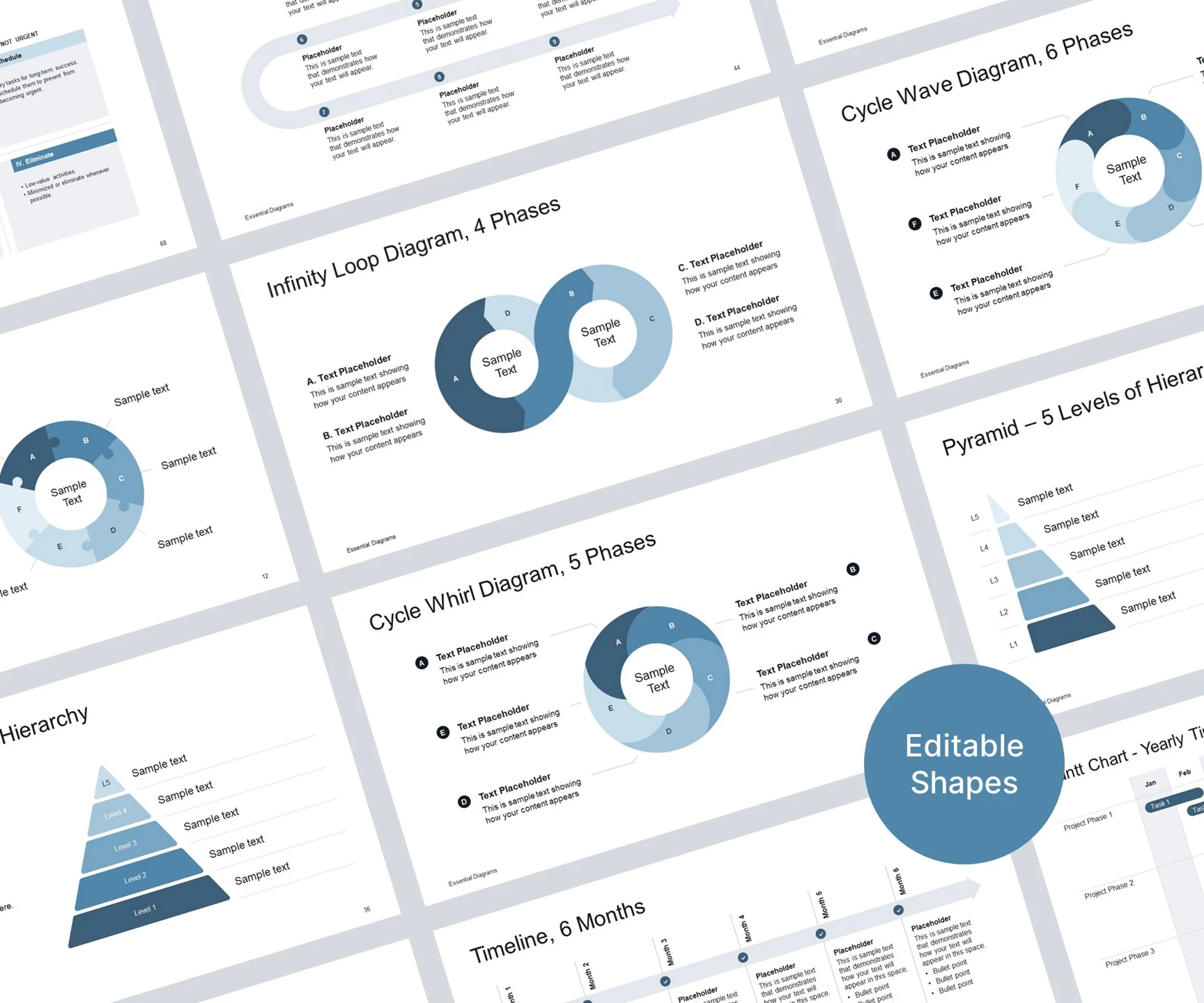
Essential PowerPoint diagrams