
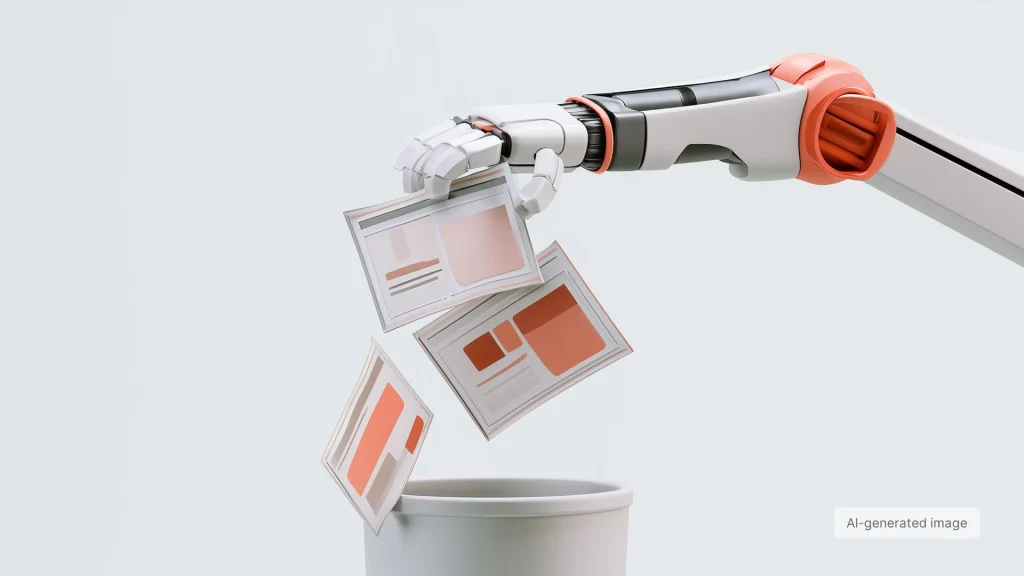
Do PowerPoint Templates Still Matter in the Age of AI?
AI can now create an entire presentation from scratch.
Give it a topic, some notes, and the context, and within seconds you can have a polished first draft. Not a blank slide filled with rough notes, but something that already looks like a presentation.
So why would you still need a PowerPoint template?
Maybe you don’t.
In some cases, a template simply isn’t necessary anymore.
For some presentations, a template may not add much value. A one-off presentation for a class, a guest lecture, a small training session, or an early-stage startup may not need to communicate a clearly established visual identity in the first place.
In these cases, AI can be an effective way to go from a blank page to a polished presentation without first building a visual system around it.
But corporate presentations are different.
When a company presents itself to clients, partners, investors, or even its own employees, the presentation is not just a container for information. It is also an expression of the company itself.
And that is where the brand starts to matter.
When the brand becomes part of the message
For an established company, a presentation carries more than information. It also carries the company’s identity.
A consistent and recognizable brand can build trust, signal quality and professionalism, and make a company easier to recognize across different interactions. That matters especially when presenting to clients, partners, or investors, but it also matters internally, where employees create and use presentations every day.
And a brand is much more than a logo in the corner of a slide.
Typography, layouts, imagery, color, spacing, charts, diagrams, and the way information is structured all shape how a company looks and feels. Together, they create a visual language that makes a presentation feel like it belongs to that organization.
Simply asking AI to “follow our brand” is more complicated than it sounds.
You can give AI your logo, brand colors, fonts, and even detailed brand guidelines. But is that enough to create a presentation that genuinely feels like your brand?
Not quite.
Knowing the elements of a brand is not the same as knowing how that brand should work across different presentation scenarios. A sales presentation, a quarterly business review, and an internal strategy update may all belong to the same company, but they require very different ways of presenting information.
Layouts, visual hierarchy, image treatment, charts, diagrams, and other presentation-specific decisions all play a role.
And that is something a brand kit alone cannot fully define.
That’s where the template comes in.
A good presentation template translates the brand into practical design decisions. It provides layouts for different types of content, establishes visual hierarchy, defines how charts and diagrams should look, and shows how images, text, and data can work together.
It also gives people flexibility without making them start from a blank slide every time.
This is why I see a good PowerPoint template as more than a collection of pre-designed slides. It is part of a broader presentation system.
What is a presentation system?
A presentation system is the set of visual rules, layouts, components, and patterns that determine how a company communicates through presentations.
It defines not just how a presentation looks, but how different types of information are presented within the same visual language, from headlines and data to charts, diagrams, images, and more complex content.
A PowerPoint template is one practical way to make this system usable. Instead of asking everyone to make design decisions from scratch, it provides a structured set of tools for creating presentations that remain consistent while still allowing flexibility.
When AI enters the workflow
This is where the role of the template becomes even more interesting.
The more AI takes over the actual production of slides, the less we manually control every design decision. Instead, we increasingly rely on the system behind the output to guide those decisions.
A well-designed template gives AI something concrete to work within: a defined visual language, appropriate layouts, reusable components, and rules for how different types of content should be presented.
The goal is not simply to make AI generate more slides that look good.
It is to help it generate slides that look like they belong to the same company.
That makes the quality of the template increasingly important for AI-assisted presentation creation, whether you are working with Copilot in PowerPoint, AI tools in Google Slides, or other presentation platforms.
But AI doesn’t automatically make every template more useful.
A weak template with rigid layouts, poor hierarchy, or limited options can still produce weak results, only faster.
For AI-assisted presentation creation, the template needs to provide enough structure to guide the output while remaining flexible enough to accommodate real business content.
The goal isn’t to control every slide.
It’s to create a framework that helps both people and AI make better presentation decisions.
So, do PowerPoint templates still matter in the age of AI?
They do, but not for the same reasons they used to. AI can remove the need for a template when a presentation doesn’t need an established visual identity. But when brand consistency matters, a well-designed template provides the visual framework that helps people and AI create presentations that feel coherent, recognizable, and usable.
The future of the PowerPoint template isn’t about having more slides ready to use.
It’s about giving both people and AI a better way to create.